
|
Do it yourself
| |||
| ||||


Installing OBD Interface for Parameter Display
Model: BMW Serie 7
E68, E65, MK 4, E67, E66
- Years 2001-2008
This accessory is a device that connects to the OBD diagnostic port of your vehicle and pairs with an application downloaded on your smartphone: it can perform multiple functions including satellite theft protection, diagnosing various control units, and sending alerts to your smartphone (if the vehicle is started, moved, bumped, exceeds a certain speed, exceeds a certain engine RPM, maintenance deadlines, insurance, inspection, etc.) or requesting a remote diagnosis from an authorized workshop. This way, you can constantly monitor your vehicle.
Updated on 22 February 2026 by ScegliAuto
Video tutorial
Related tutorials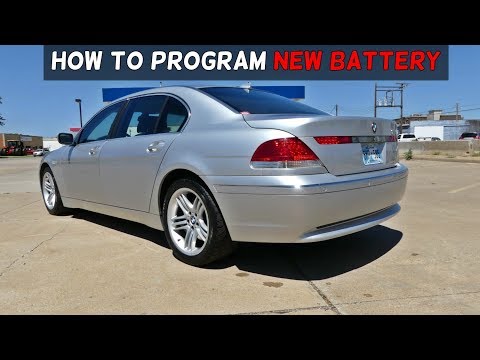
BMW Serie 7
(2001-2008 /
E68, E65, MK 4, E67, E66)
On this car model, you can store the battery replacement as a maintenance record, keeping track of the date, mileage, and type of battery installed. …
BMW Serie 7
(2001-2008 /
E68, E65, MK 4, E67, E66)
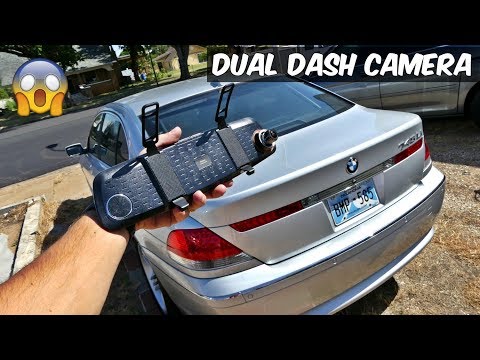
Installing a dash cam does not require modifications to the vehicle's original electrical system; it should be noted that the Driver Defense Camera m…
BMW Serie 7
(2015-2022 /
MK 6, G12, G11)
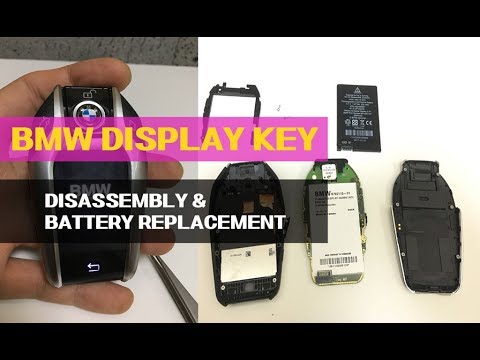
Let's briefly see in this guide the steps that will allow us to disassemble and replace the battery of the display key of the BMW 7 Series, as well a…
Other guides you may be interested in
|
How to Replace the Timing Belt on a Lancia Delta
How do you replace the timing belt on a Lancia Delta? Lift the car on a column lift. Open the bonnet, remove the engine soundproofing panel and the metal timing belt cover. Using a suitable spanner, loosen the tensioner pulley and slide the belt off its seat. After fitting the new belt, use the spanner to tension the tensioner pulley, tightening until the belt has the correct tension (as previously installed). Finally, check the tensioner and the belt itself, and tighten everything with a socket wrench. by ScegliAuto More videos
|
|
For advertising on this site Write to info@scegliauto.com
ScegliAuto is not responsible for any inaccuracy of the data in the lists. To report any inaccuracy or your business (if you own the business in question), please write to info@scegliauto.com
Number of seconds to generate the page: 0.053
(c) ScegliAuto 2026 - info@scegliauto.com - Privacy policy VAT number: IT01247470535 |
