
|
Do it yourself
| |||
| ||||


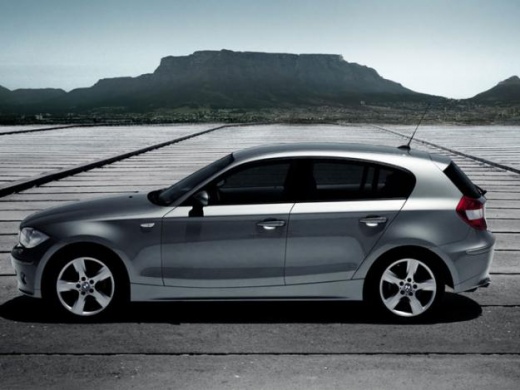
How to Clean the Parking Sensors of the BMW 1 Series
Model: BMW Serie 1
E81, E82, MK 1, E87
- Years:
2004, 2005, 2006, 2007, 2008, 2009, 2010, 2011, 2012, 2013
Video tutorial
Briefly, we will see the instructions that will allow you to effectively clean the parking sensors of the BMW 1 Series; the procedure applies to all vehicles equipped with parking sensors. Move in front of the sensors and use a suitable degreasing product to clean your sensors, using a soft cloth as well; make several passes to thoroughly clean each individual sensor, repeating the operation on all parking sensors, as shown in the video. At this point, test the operation of the parking sensors through some manoeuvres.
Updated on 12 September 2026 by ScegliAuto
Related tutorials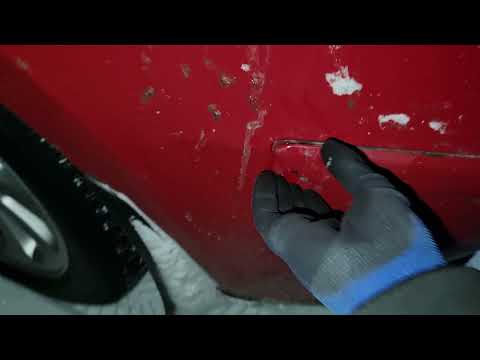
BMW Serie 1
(2004-2013 /
E81, E82, MK 1, E87)
This guide provides instructions for removing and replacing the parking sensors on a BMW 1 Series, following these simple steps. First, move to the r…
BMW Serie 1
(2004-2013 /
E81, E82, MK 1, E87)
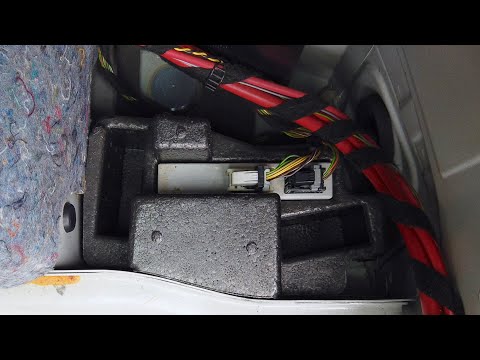
In this video, you will see where the parking sensor control unit is located in the BMW 1 Series, useful in case you need to replace it due to a faul…
BMW Serie 1
(2004-2013 /
E81, E82, MK 1, E87)
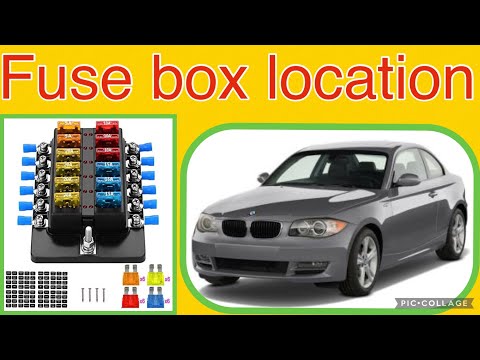
The 2011 BMW 1 Series does not have a fuse box in the engine compartment. This is because all the fuses for this model are contained within a single …
Other guides you may be interested in |
Frequently Asked QuestionsHow to Reset the Tyre Pressure Warning Light on the Jeep Renegade?
To reset the tyre pressure warning light on the Jeep Renegade, inflate the tyres until they reach the recommended pressure: this value is indicated on the sticker attached to the driver’s door pillar. Once the tyres are properly inflated, navigate through the menu that appears on the instrument cluster until you find the tyre pressure option. At this point, press and hold the OK button on the right side of the steering wheel to make the warning light disappear. by ScegliAuto More videos
|
|
For advertising on this site Write to info@scegliauto.com
ScegliAuto is not responsible for any inaccuracy of the data in the lists. To report any inaccuracy or your business (if you own the business in question), please write to info@scegliauto.com
Number of seconds to generate the page: 0.026
(c) ScegliAuto 2026 - info@scegliauto.com - Privacy policy VAT number: IT01247470535 |
