
|
Do it yourself
| |||
| ||||


How to reset the service indicator light on the BMW 7 Series
Model: BMW Serie 7
MK 6, G12, G11
- Years 2015-2022
The service light reset on a BMW 7 Series vehicle, model G11 and G12, is a very simple and quick operation to perform independently thanks to our video tutorial. We start the reset by turning on the instrument panel and pressing the button on the left side of the instrument panel display. We hold down the button until the kilometers appear on the display, then release it to press again and select the oil light symbol. Press until the reset is complete. Finish by turning off and on the vehicle's instrument panel.
Posted on 17 July 2024 by ScegliAuto
Video tutorial
Related tutorials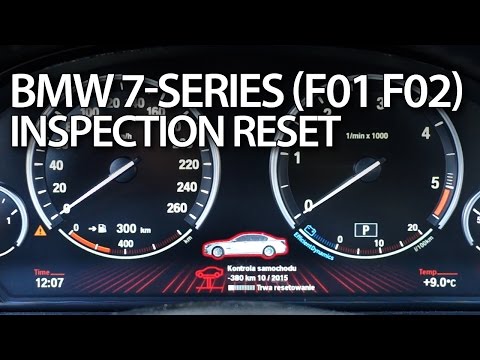
BMW Serie 7
(2008-2015 /
MK 5, F01, F02)
Through this short tutorial we can see how to reset the service warning light, relating to the life of the engine oil, on a fifth generation BMW 7 Se…

BMW Serie 7
(2015-2022 /
MK 6, G12, G11)
The reset of the TPMS light on the 2017 BMW 7 Series is very simple to do on your own. The first step is to turn on the vehicle's onboard computer. T…
BMW Serie 7
(2001-2008 /
E68, E65, MK 4, E67, E66)
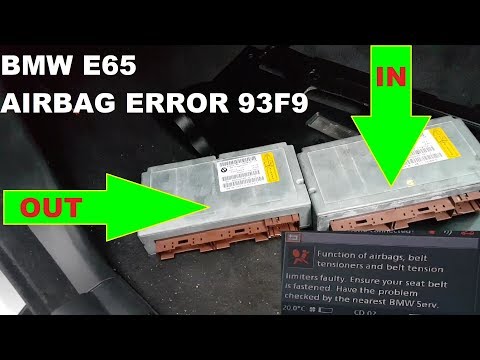
Today's main instructions will show us how to reset the airbag light on the BMW 7 Series. Before performing the reset operation, it is necessary to h…
Other guides you may be interested in
|
How to Replace the Cabin Filter in a Peugeot 207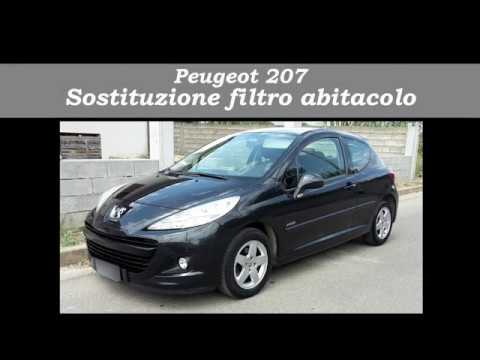
How do you replace the cabin filter (pollen filter) located in a Peugeot 207? Follow these steps to remove the filter from its dedicated housing: use a screwdriver to unscrew the screws of the plastic cover located under the front windscreen, then remove the filter cover using a lever (where the air filter is located). Use a screwdriver to remove the cap from the filter housing and extract the cabin filter. Insert a new filter ensuring it fits snugly around the walls of the box. Finally, reattach the filter box cap and tighten the screws. Close the engine bonnet after assembly. by ScegliAuto More videos
|

|
For advertising on this site Write to info@scegliauto.com
ScegliAuto is not responsible for any inaccuracy of the data in the lists. To report any inaccuracy or your business (if you own the business in question), please write to info@scegliauto.com
Number of seconds to generate the page: 0.046
(c) ScegliAuto 2026 - info@scegliauto.com - Privacy policy VAT number: IT01247470535 |
