
|
Do it yourself
| |||
| ||||


How to Install LED Lights on the Fog Lights of a Buick Enclave
Model: Buick Enclave
MK 1
- Years 2008-2017
How to replace the fog lights on your Buick Enclave by changing them from halogen to LED. Remove the 5 screws from the fender: you do not need to remove the wheel, just move it all the way inside. Inside the fender, you will find the fog light connector, which is directly connected to the bulb. Disconnect it to install the new LED bulb. Remember to never touch the bulb with bare hands; always use protective gloves to avoid damaging it. Now, reposition it in its housing and reattach the fender to the body. Naturally, you will need to repeat everything on the other side, but the process is really simple.
Updated on 11 July 2026 by ScegliAuto
Video tutorial
Related tutorials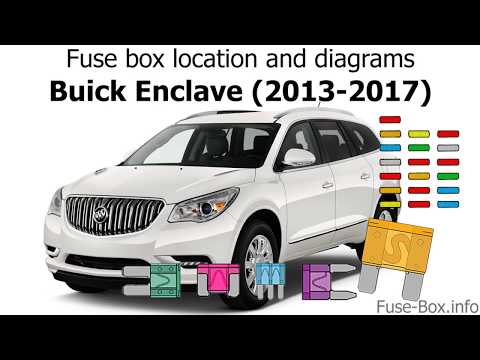
Buick Enclave
(2008-2017 /
MK 1)
Locating the fuse boxes in a Buick Enclave is quite simple. The first box can be identified inside the car's cabin, directly behind the glove compart…
Buick Enclave
(2018-2025 /
MK 2)
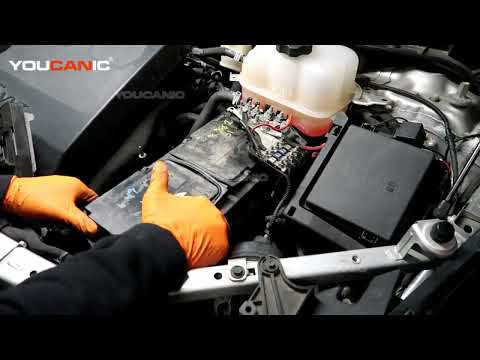
Replacing the battery in a Buick Enclave takes just a few minutes. Simply disconnect the power cables and remove the battery from the engine compartm…
Buick Enclave
(2018-2025 /
MK 2)
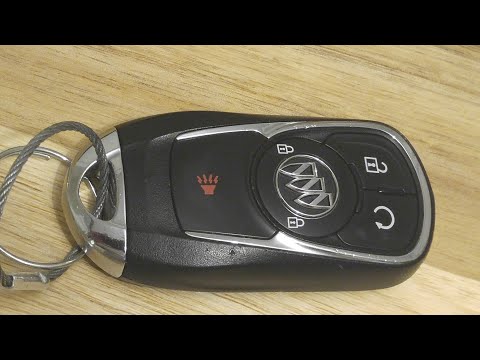
As seen in this tutorial, replacing the remote battery in a Buick Enclave is an extremely simple and quick task. You won’t need any special tools, ju…
Other guides you may be interested in
|
How to reset the tyre pressure warning light on the Suzuki Jimny?
To reset the tyre pressure warning light on the Suzuki Jimny, first inflate the tyres to the pressure value indicated on the corresponding sticker: this is located at the bottom of the driver's door pillar. Once the tyres are inflated, insert the ignition key and turn on the instrument panel: select the screen that indicates the tyre pressures, checking that the values change. After a few seconds, the tyre pressure warning light will automatically turn off. by ScegliAuto More videos
|
|
For advertising on this site Write to info@scegliauto.com
ScegliAuto is not responsible for any inaccuracy of the data in the lists. To report any inaccuracy or your business (if you own the business in question), please write to info@scegliauto.com
Number of seconds to generate the page: 0.147
(c) ScegliAuto 2026 - info@scegliauto.com - Privacy policy VAT number: IT01247470535 |
