
|
Do it yourself
| |||
| ||||


How to Replace the Front Door Hinge on the Chevrolet Silverado MK2
Model: Chevrolet Silverado
MK 2
- Years:
2007, 2008, 2009, 2010, 2011, 2012, 2013, 2014
Video tutorial
In this video, see how to replace the upper hinge of the front door on the Chevrolet Silverado MK2: support the door from underneath with a jack, and cover the door stop with body shop tape. Remove the upper hinge with a 13 mm socket, then the lower bolt with a 10 mm socket; finish removing all bolts to free the hinge, lowering it down where you have more space to extract it. You can find this hinge, for example, on AliExpress with code 1005004222179147 for $27.12, plus $1.04 for shipping. Make sure to carefully check the model compatibility. Reinsert the hinge into its cavity and lift it back into its housing, reinstalling all the mounting bolts.
Updated on 17 October 2026 by ScegliAuto
Related tutorials
Chevrolet Silverado
(2007-2014 /
MK 2)
In this mini guide for your Chevrolet Silverado Mk2 (model years 2007-2014), discover the steps you need to follow to correctly replace the engine ai…
Chevrolet Silverado
(2007-2014 /
MK 2)
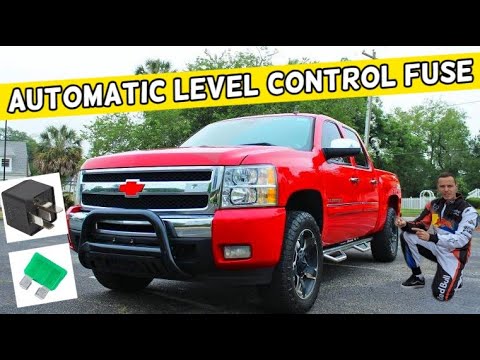
Knowing the location of the fuses in your Chevrolet Silverado Mk2 is very important as it allows you to intervene safely and effectively in case of f…
Chevrolet Silverado
(2007-2014 /
MK 2)
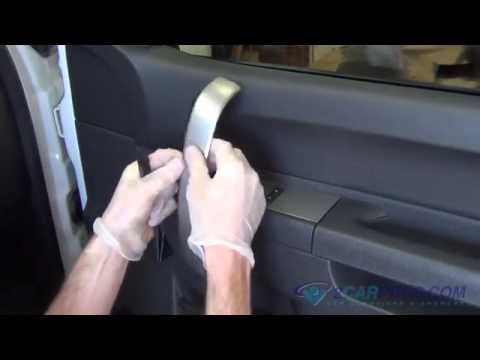
To remove the door panel of the Chevrolet Silverado, you need to detach the trim on the armrest and loosen the screws underneath so that it can be re…
Other guides you may be interested in
|
How to reset the tyre pressure warning light on the Kia Niro EV?
To reset the tyre pressure warning light on the Kia Niro EV, inflate the tyres until they reach the correct pressure value. This value is indicated on the sticker attached to the driver's door pillar. Once the tyres are inflated, turn on the instrument cluster to check that the warning light has completely disappeared from the display. If it is still present, you may need to drive for a few miles to ensure it disappears completely from the screen. by ScegliAuto More videos
|
|
For advertising on this site Write to info@scegliauto.com
ScegliAuto is not responsible for any inaccuracy of the data in the lists. To report any inaccuracy or your business (if you own the business in question), please write to info@scegliauto.com
Number of seconds to generate the page: 0.029
(c) ScegliAuto 2026 - info@scegliauto.com - Privacy policy VAT number: IT01247470535 |
