
|
Do it yourself
| |||
| ||||


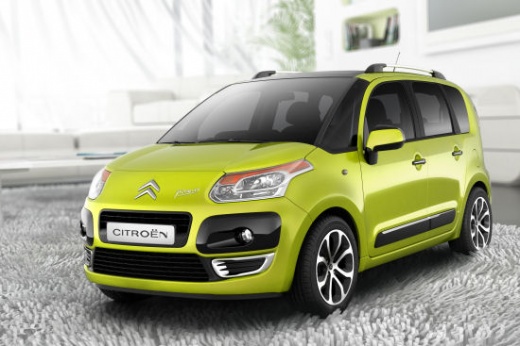
How to replace the bulbs in the instrument panel on a Citroen C3 Picasso
Model: Citroen C3 Picasso
MK 1
- Years:
2008, 2009, 2010, 2011, 2012, 2013, 2014, 2015, 2016, 2017
Video tutorial
Let's see how to change the light bulb of the instrument panel on the Citroen C3 Picasso. Using a plastic spatula, we lever in the center of the panel, removing the frame located under the cover. This way we expose the two T20 screws on the sides; we unscrew them and in this way we can remove the panel, disconnecting the electrical connectors located on the back. On this side we find many small clips, which are the ones that hold the bulbs. Using long-nose pliers, we remove the ones we are interested in, turning them a quarter turn and then pulling them out. We put the new ones back in place and follow the reverse indication for reassembly.
Posted on 3 February 2025 by ScegliAuto
Related tutorials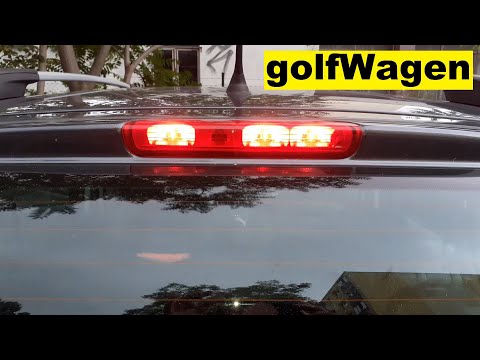
Citroen C3 Picasso
(2008-2017 /
MK 1)
In this video tutorial, you will see the steps to remove the third brake light and replace the bulbs on the Citroen C3 Picasso. First, open the rear …

Citroen C3 Picasso
(2008-2017 /
MK 1)
Today we will discover the procedure for disassembling and replacing the rear light and its bulbs of the Citroen C3 Picasso. First, let's open the re…
Citroen C3 Picasso
(2008-2017 /
MK 1)
In this video tutorial, you will learn how to remove the rear brake light of a Citroen C3 Picasso. You will need a hex key to complete the operation.…
Other guides you may be interested in
|
How to Open the Fuel Filler Flap in the Hyundai i30?
In this tutorial, you will learn how to open the fuel filler flap in the Hyundai i30, a very simple operation that follows the typical procedure of most vehicles. First, unlock the locks using the designated button on the remote, then open the driver's door, locate the release lever on the left side of the seat, and operate it. Next, move to the fuel filler flap, open it completely, unscrew the cap, and refuel as needed. To close the flap, simply press it gently. by ScegliAuto More videos
|
|
For advertising on this site Write to info@scegliauto.com
ScegliAuto is not responsible for any inaccuracy of the data in the lists. To report any inaccuracy or your business (if you own the business in question), please write to info@scegliauto.com
Number of seconds to generate the page: 0.014
(c) ScegliAuto 2026 - info@scegliauto.com - Privacy policy VAT number: IT01247470535 |
