
|
Do it yourself
| |||
| ||||


How to Reset the Service Light on a Citroen Berlingo
Model: Citroen Berlingo
MK 1
- Years:
1996, 1997, 1998, 1999, 2000, 2001, 2002, 2003, 2004, 2005, 2006, 2007
Video tutorial
In this new guide dedicated to your first-generation Citroen Berlingo (1996-2013), you will discover how to manually reset the service light that appears on the dashboard. First, enter the vehicle and ensure it is completely off. Then locate the "Trip" button and hold it down while turning the key to start the dashboard. A brief countdown of 10 seconds will begin. Wait for it to finish, and finally, release the "Trip" button. The procedure is now complete, and you can start driving or turn off the dashboard.
Updated on 6 July 2026 by ScegliAuto
Related tutorials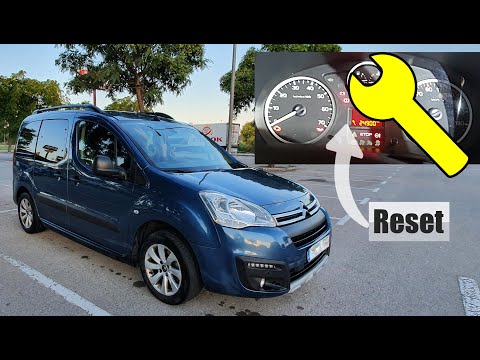
Citroen Berlingo
(2008-2018 /
MK 2)
To reset the service light on a Citroën Berlingo, turn on the instrument panel and press the button located on the right side of the panel. While hol…
Citroen Berlingo
(2008-2018 /
MK 2)
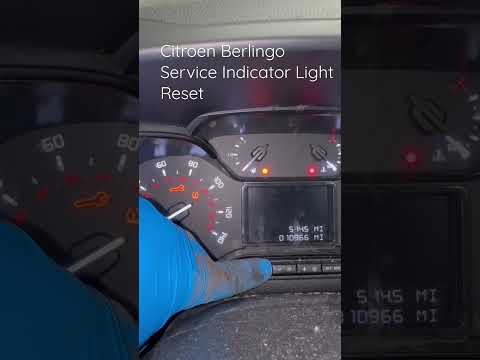
When the service light comes on in a Citroen Berlingo, first perform the vehicle service and then reset the light. The reset procedure is quick and e…

Citroen Berlingo
(2018-2026 /
MK 3)
It will be possible to reset the Service warning light on the Citroën Berlingo instrument panel by pressing and holding the button located in the cen…
Other guides you may be interested in
|
How to Lower the Rear Seats of the BMW 3 Series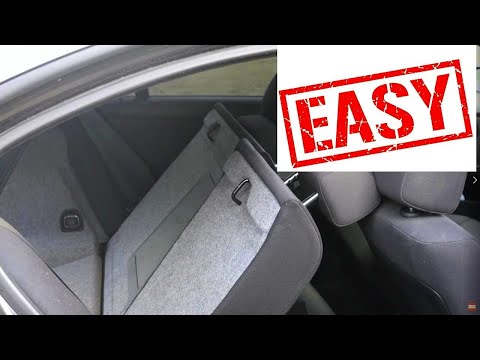
This guide briefly outlines the steps to lower the rear seats of the BMW 3 Series, increasing the trunk space, following the instructions below. First, open the trunk lid and start pulling the levers located on both sides of the rear seatbacks; then lower the seats as shown in the video. This will significantly increase the trunk's cargo volume; raise the seatbacks to return them to their original position by applying the reverse procedure! by ScegliAuto More videos
|
|
For advertising on this site Write to info@scegliauto.com
ScegliAuto is not responsible for any inaccuracy of the data in the lists. To report any inaccuracy or your business (if you own the business in question), please write to info@scegliauto.com
Number of seconds to generate the page: 0.134
(c) ScegliAuto 2026 - info@scegliauto.com - Privacy policy VAT number: IT01247470535 |
