
|
Do it yourself
| |||
| ||||


How to reset the tyre pressure on the Citroen C4 Cactus
Model: Citroen Cactus
MK 1
- Years 2014-2020
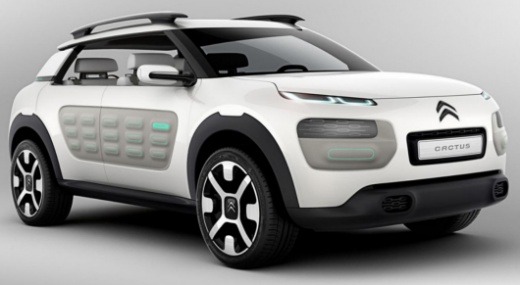
This video tutorial shows the step-by-step procedure to reset the tyre pressure warning light on the Citroen C4 Cactus. The procedure is very simple and takes less than 1 minute to complete. To reset it, start the instrument cluster without turning on the engine, then press the button shaped like a car located on the right side of the radio to access the vehicle menu, select the option to reset tyre pressure, and confirm. Once you select yes, the reset will occur automatically, and the tyre pressure warning light will turn off.
Updated on 21 August 2026 by ScegliAuto
Video tutorial
Related tutorials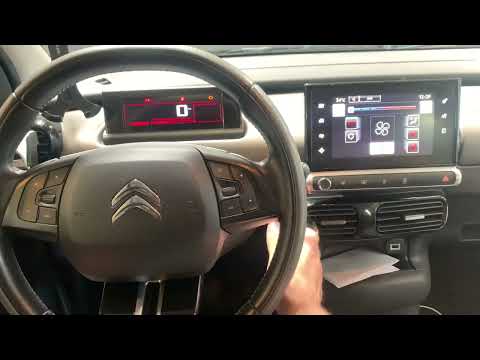
Citroen Cactus
(2014-2020 /
MK 1)
To reset the tyre pressure on the Citroen C4 Cactus, first check if the tyre pressures are at the levels indicated by the manufacturer; after checkin…
Citroen Cactus
(2014-2020 /
MK 1)
Resetting the low tyre pressure warning on a Citroen C4 Cactus is very simple. You can see how to do it in the attached tutorial, which also shows ho…
Citroen Cactus
(2014-2020 /
MK 1)
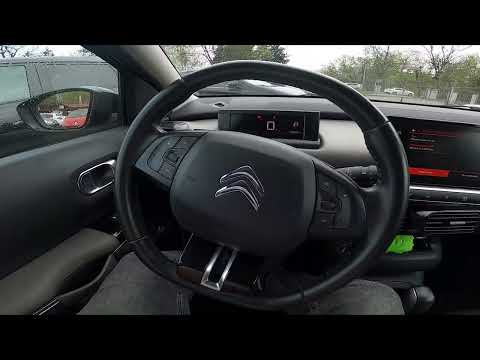
To reset the tyre pressure warning light on the Citroën C4 Cactus, first inflate the tyres to the recommended pressure, which is indicated on the sti…
Other guides you may be interested in
|
How to replace the horn on a Renault Duster - Dacia Duster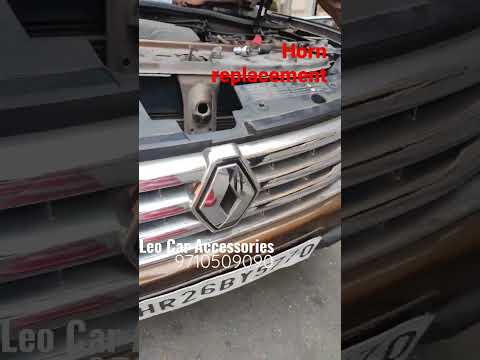
Today's main instructions will show you the procedure for removing and replacing the horn or sound signal on the Renault Duster, as well as the Dacia Duster. First, open the bonnet of the vehicle and start removing the front bumper by unscrewing all the fixing screws; you will find the horn right in front of the radiator, as shown in the video. At this point, disconnect the electrical connector and unscrew the bracket screw to remove and replace the horn with the new one; finally, reassemble the front bumper! by ScegliAuto More videos
|
|
For advertising on this site Write to info@scegliauto.com
ScegliAuto is not responsible for any inaccuracy of the data in the lists. To report any inaccuracy or your business (if you own the business in question), please write to info@scegliauto.com
Number of seconds to generate the page: 0.409
(c) ScegliAuto 2026 - info@scegliauto.com - Privacy policy VAT number: IT01247470535 |
