
|
Do it yourself
| |||
| ||||


How to use the speed limiter on Dacia Duster vehicles
Model: Dacia Duster
P1310
- Years 2024-2026
The new generation Dacia vehicles allow the use of the speed limiter. The speed limiter can be activated or deactivated at any time by pressing the on/off buttons on the steering wheel. To activate the option, press the button with the tachometer symbol, the symbol with the voice ON will appear on the display and the limit will be set to the previously chosen speed. To deactivate the limiter, press the same button. You can change the limit by pressing the "+" or "-" button. To deactivate the speed limiter during a safe overtaking, simply press the accelerator pedal firmly.
Posted on 4 November 2024 by ScegliAuto
Video tutorial
Related tutorials
Dacia Duster
(2017-2024 /
HM, MK 2)
The speed limiter applied to Dacia Duster vehicles serves to prevent a certain speed from being exceeded when driving the vehicle. This function not …
Dacia Duster
(2017-2024 /
HM, MK 2)
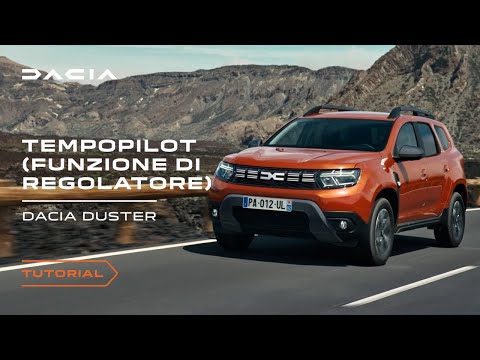
In this video, you will see how to use the cruise control, which allows you to maintain the vehicle at a chosen speed. Set the speed using the contro…
Dacia Duster
(2010-2017 /
HS, MK 1)
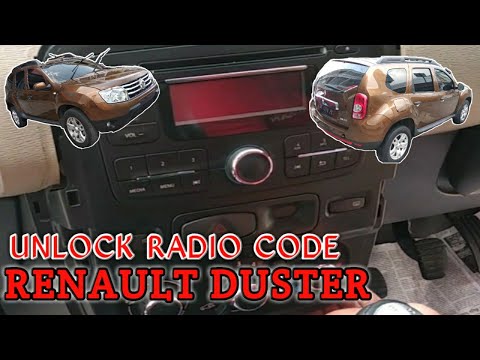
To unlock the radio in a Dacia Duster, you need to detach the plastic cover around the device by loosening the screws underneath. Once these are loos…
Other guides you may be interested in
|
Frequently Asked QuestionsHow to Replace the Cabin Filter on the Opel Grandland X
If you own an Opel Grandland X and want to know the steps to replace the cabin air filter, carefully read the following guide and follow the described steps. First, enter the vehicle and go to the passenger side. Then, locate the box containing the air filter in the lower side area of the dashboard. Remove the cover of the box and finally replace the old filter with the new one. Refit the cover, and you are done. by ScegliAuto More videos
|

|
For advertising on this site Write to info@scegliauto.com
ScegliAuto is not responsible for any inaccuracy of the data in the lists. To report any inaccuracy or your business (if you own the business in question), please write to info@scegliauto.com
Number of seconds to generate the page: 0.190
(c) ScegliAuto 2026 - info@scegliauto.com - Privacy policy VAT number: IT01247470535 |
