
|
Do it yourself
| |||
| ||||


How to enter the radio code on a Dacia Sandero-Duster-Logan-Dokker-Lodgy
Model: Dacia Sandero
B8
- Years 2012-2020
Let's see how to enter the radio code on a Dacia car - we would say almost all models - in case we were forced to replace the battery or even simply disconnect it for a short period to carry out any work that involved the electrical part. We will have our code, which will have been indicated in the owner's manual (if we cannot find it, we can obtain it for free on the website instant-radio-code.com, by entering the full chassis number of our car). When we turn on the radio, it immediately asks us for the code, and to enter it we will have to press button 1 on the radio keypad, pressing it as many times as the first number of the code. We will do the same with the second, third, and fourth. Confirm with button 6 and our radio will work again.
Posted on 30 April 2025 by ScegliAuto
Video tutorial
Related tutorials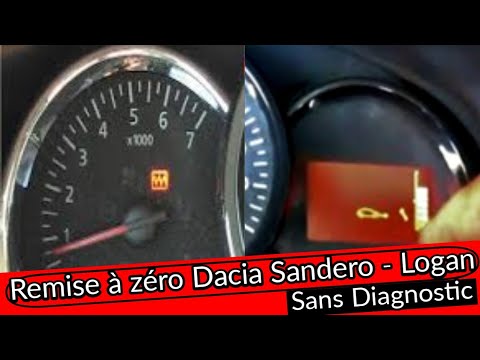
Dacia Sandero
(2012-2020 /
B8)
..acia Sandero, as well as on the Dokker and Logan. First, get inside the vehicle and turn the ignition on by turning the key to position one; then, s.. …
Dacia Sandero
(2021-2026 /
MK 3)
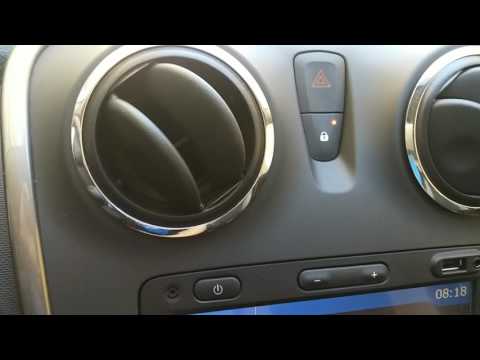
.. the doors on Dacia vehicles, whether Sandero, Logan, or Lodgy, simply press the lock button located on the dashboard between the two air vents, holding.. …
Dacia Sandero
(2012-2020 /
B8)
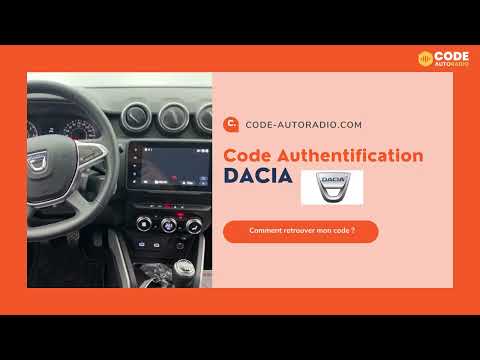
In this brief guide, you will learn how to retrieve and enter the radio code for the Dacia Sandero in simple and quick steps. First, get into the veh…
Other guides you may be interested in
|
How to Open a Stuck Boot on the Peugeot 407?
On the Peugeot 407, the boot may become stuck, possibly due to a problem with the control button or the lock actuator. In such cases, you can perform an emergency opening by following the simple procedure shown in this tutorial. First, open the rear doors, then lower the seat back by operating the release lever. Next, go inside the boot, locate the lock, and manually operate it using a flathead screwdriver. The boot will then be free to open. by ScegliAuto More videos
|
For advertising on this site Write to info@scegliauto.com
ScegliAuto is not responsible for any inaccuracy of the data in the lists. To report any inaccuracy or your business (if you own the business in question), please write to info@scegliauto.com
Number of seconds to generate the page: 0.161
(c) ScegliAuto 2026 - info@scegliauto.com - Privacy policy VAT number: IT01247470535 |
