
|
Do it yourself
| |||
| ||||


Use of the Media display on Dacia Duster
Model: Dacia Duster
P1310
- Years 2024-2026
Let's see how the multimedia system of the Dacia Duster works, with which we can connect to our phone, use the mirroring system to access all smartphone functions, including the navigator, all without taking our eyes off the road, using the voice recognition button. We must remember to pronounce the words clearly. First, we must connect the phone to the car's system. In the glove compartment, we find a phone holder, and also next to the multimedia screen, we find a practical support. To select radio stations from the screen, we slide them and then confirm by holding them down: it is also possible to use the "preset" button to access more easily. We can select sources to play music from a USB port or bluetooth. It is also possible to activate or deactivate driving aids through the screen and any other vehicle-related settings.
Posted on 9 October 2025 by ScegliAuto
Video tutorial
Related tutorials
Dacia Duster
(2017-2024 /
HM, MK 2)
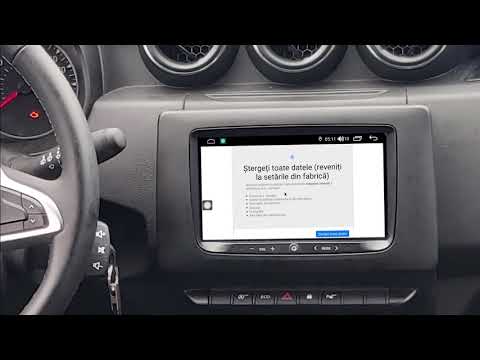
In this tutorial we can see how to reset the Media Nav multimedia system of a Dacia Duster, an extremely simple and fast operation, to be carried out…
Dacia Duster
(2017-2024 /
HM, MK 2)
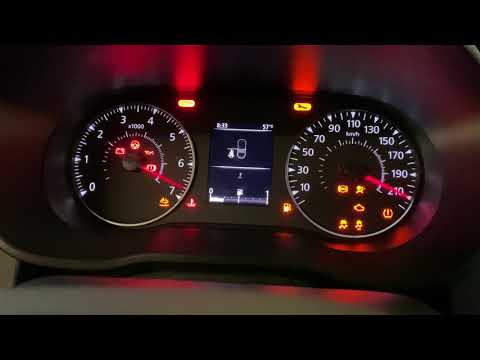
If the infotainment system in your new Dacia Duster is experiencing serious software issues, you must perform a factory reset. Read this mini guide c…
Dacia Duster
(2010-2017 /
HS, MK 1)
This video shows how to turn off the AdBlue warning light in a Dacia Duster. First, refuel the AdBlue. In the Dacia Duster, the AdBlue filler is loca…
Other guides you may be interested in
|
Frequently Asked QuestionsHow to Remove the Front Bumper of the Citroën C4 Picasso?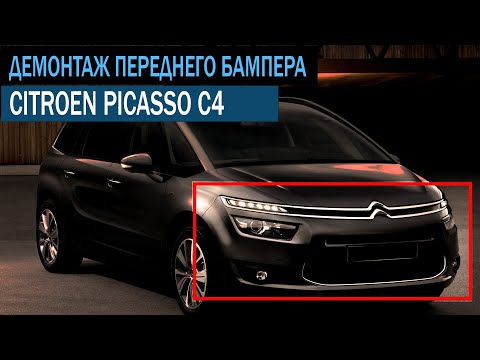
To remove the front bumper of the Citroën C4 Picasso, you need to take out all the rivets and screws that secure the piece to its housing: these screws are located inside the wheel arches of the front wheels and at the central upper part of the bumper itself. Once all these fastening elements have been removed, you can detach the bumper from its seat by disconnecting the connectors inside and then insert the new replacement part. The new part can then be secured and connected properly, ensuring it is correctly fixed in place. by ScegliAuto More videos
|

|
For advertising on this site Write to info@scegliauto.com
ScegliAuto is not responsible for any inaccuracy of the data in the lists. To report any inaccuracy or your business (if you own the business in question), please write to info@scegliauto.com
Number of seconds to generate the page: 0.082
(c) ScegliAuto 2026 - info@scegliauto.com - Privacy policy VAT number: IT01247470535 |
