
|
Do it yourself
| |||
| ||||


Replacing the air filter in a 2019 Dacia Duster running on LPG.
Model: Dacia Duster
HM, MK 2
- Years 2017-2024
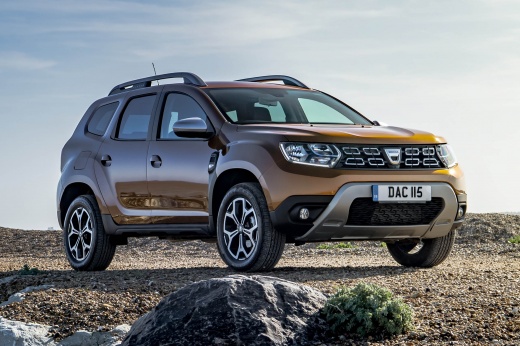
In this tutorial video, see how to replace the air filter in a 2019 Dacia Duster running on LPG by following a few simple steps: it is recommended to replace the air filter every 12,000 miles. The first step is to purchase a new air filter from an authorised car parts dealer. Next, get into the vehicle, turn off the engine, and pull the handbrake. Lift the bonnet and secure it with the prop rod, then work on the two clips to remove the filter housing, and take out the old filter element from the housing. Clean the filter box and install the new filter element into the housing (the orange rubber profile must fit snugly against the housing and face the windscreen); once inserted into the designated slot, reposition the securing clips.
Updated on 18 August 2026 by ScegliAuto
Video tutorial
Related tutorials
Dacia Duster
(2010-2017 /
HS, MK 1)
All Dacia Duster vehicles have an air filter inside that is used for air circulation within the engine. Each vehicle has a different filter model dep…
Dacia Duster
(2017-2024 /
HM, MK 2)
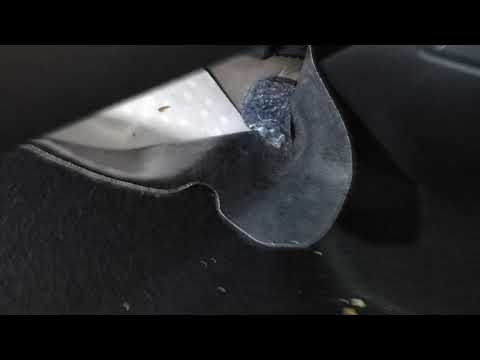
Today, in this video tutorial, you will learn how to replace the cabin air filter on a second-generation Dacia Duster. The air filter is located on t…

Dacia Duster
(2010-2017 /
HS, MK 1)
If you do not know the steps to follow to correctly complete the replacement of the cabin air filter in your first series Dacia Duster (year 2015), t…
Other guides you may be interested in
|
Where is the Fuel Filter Located in a Volvo XC60?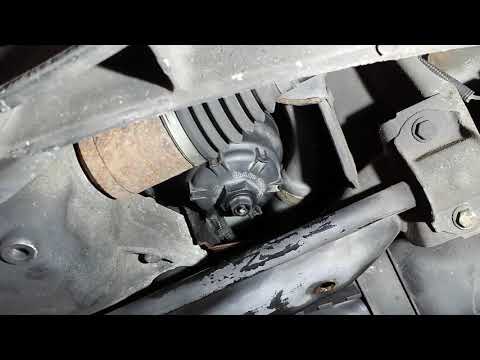
In this video, you will see where the fuel filter is located in a Volvo XC60 and how to proceed if you need to replace it. As shown, the filter is positioned at the lower part of the engine, right between the left half-shaft and the sway bar attachment. To replace the filter, first, go underneath the vehicle, taking all necessary safety precautions. Then, using an 18mm wrench, open the drain valve and allow any water present to escape. Next, unscrew the housing, remove the old filter, insert the replacement along with a new gasket, and reassemble everything. by ScegliAuto More videos
|
|
For advertising on this site Write to info@scegliauto.com
ScegliAuto is not responsible for any inaccuracy of the data in the lists. To report any inaccuracy or your business (if you own the business in question), please write to info@scegliauto.com
Number of seconds to generate the page: 0.267
(c) ScegliAuto 2026 - info@scegliauto.com - Privacy policy VAT number: IT01247470535 |
