
|
Do it yourself
| |||
| ||||


How to deactivate Lane Departure Warning on the EMC Vawe 3
Model: EMC Wave 3
MK 1
- Years 2022-2026
In this video we see how to deactivate an ADAS present on the EMC Vawe 3, the Lane departure warning. Although it is a very useful control, some drivers may find it annoying when they have full control of the vehicle, and prefer to keep it active only in particular driving conditions, such as at night or when they are very tired. But let's see how to remove the lane keeping assistant when we see that it is activated on the dashboard: from the central screen, click on the radio menu, then on "vehicle" and then on "around view monitor", here we deactivate "lane departure warning". This way the warning light on the dashboard disappears.
Posted on 3 April 2024 by ScegliAuto
Video tutorial
Related tutorials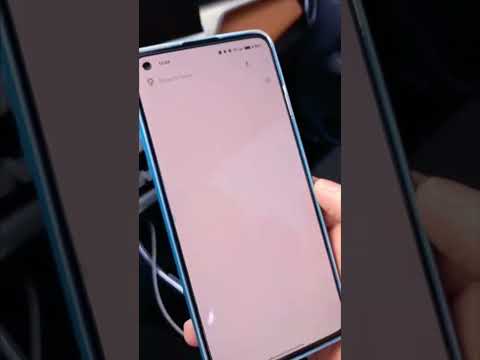
EMC Wave 3
(2022-2026 /
MK 1)
Today's guide will show us how to connect our smartphone to the multimedia system of the EMC Wave 3, following the instructions below. First, we get …
EMC Wave 3
(2022-2026 /
MK 1)
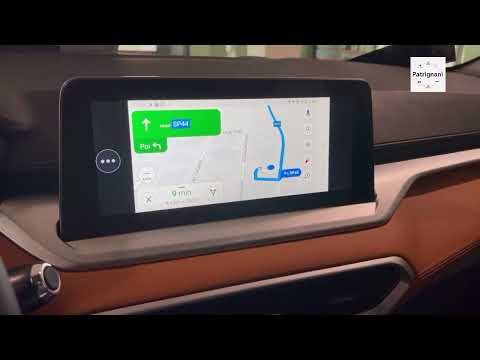
Briefly, we will go through the instructions that will allow you to use the radio and sat nav of the EMC Wave 3 by following these simple steps. Firs…
EMC Wave 3
(2022-2026 /
MK 1)
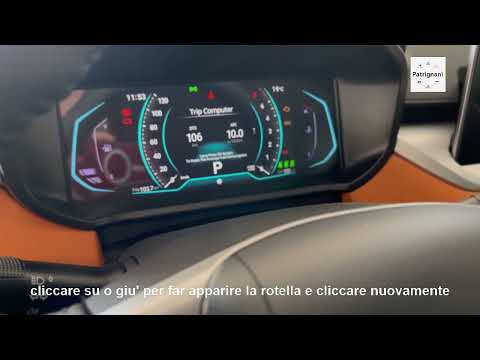
Today's guide will show you how to adjust the brightness of the EMC Wave 3 instrument cluster, following the instructions below. First, get into the …
Other guides you may be interested in
|
How to Reset the Central Locking of the Volkswagen Golf 4?
If the central locking system of the Volkswagen Golf 4 is not working, it is likely necessary to reset the system: to do this, open the driver's door and detach the side panel of the dashboard next to the steering wheel. Under this panel, you will find the fuses, including the one for the central locking, which is indicated in the manual as number 14. To reset the system, remove this fuse from its housing, then reinsert it or replace it with a new one of the same amperage: this will reset the central locking system. by ScegliAuto More videos
|
|
For advertising on this site Write to info@scegliauto.com
ScegliAuto is not responsible for any inaccuracy of the data in the lists. To report any inaccuracy or your business (if you own the business in question), please write to info@scegliauto.com
Number of seconds to generate the page: 0.094
(c) ScegliAuto 2026 - info@scegliauto.com - Privacy policy VAT number: IT01247470535 |
