
|
Do it yourself
| |||
| ||||


How to connect the phone to the Fiat Panda via Bluetooth
Model: Fiat Panda
319, MK 3
- Years 2012-2024
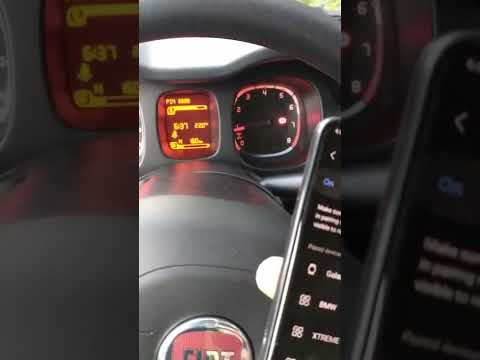
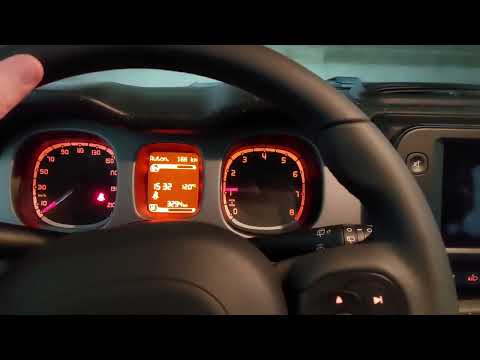
Today in the guide we will see how to connect our mobile device to our Fiat Panda via Bluetooth, a third generation model produced from 2012 to 2023. First, we need to turn on the car's ignition to activate the instrument panel, then we open the menu on the tachometer display by pressing the appropriate button located on the right side of the steering wheel and then select the "settings" and "pairing" options. Once done, we access the Bluetooth settings on our smartphone and connect it to our car, confirming the operation.
Posted on 14 September 2024 by ScegliAuto
Video tutorial
Related tutorials
Fiat Panda
(2012-2024 /
319, MK 3)
Below we will see the instructions that will allow us to connect our smartphone to the multimedia system via Bluetooth on the Fiat Panda. First of al…
Fiat Panda
(2012-2024 /
319, MK 3)
To connect your smartphone to the Bluetooth car radio of the Fiat Panda, you need to turn on the ignition by turning the key: this way you can naviga…
Fiat Panda
(2012-2024 /
319, MK 3)
Let's see how to connect Android Auto to the Fiat Panda, which works via the USB cable located right on the on-board computer frame. By connecting th…
Other guides you may be interested in
|
How to Remove the Mirror Cap on a Toyota Auris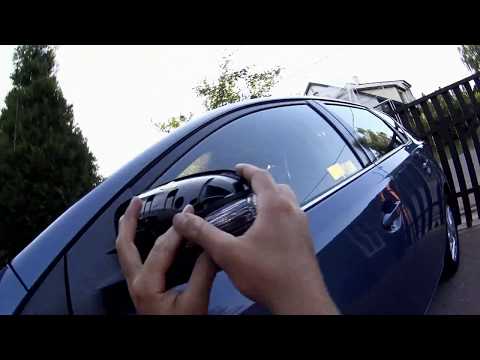
How to proceed with the removal of the mirror cap on a Toyota Auris? Use a plastic lever to detach the mirror cap and the mirror itself. Pry until the cover comes off the mirror (this operation is very delicate as it may break). Once the piece is removed, take out the side indicator (for replacement), and you can replace it with the new one. Refit the new mirror cover by inserting it into the mirror and securing the plastic with the appropriate clips. Check the correct functioning of the part. by ScegliAuto More videos
|
|
For advertising on this site Write to info@scegliauto.com
ScegliAuto is not responsible for any inaccuracy of the data in the lists. To report any inaccuracy or your business (if you own the business in question), please write to info@scegliauto.com
Number of seconds to generate the page: 0.057
(c) ScegliAuto 2026 - info@scegliauto.com - Privacy policy VAT number: IT01247470535 |
