
|
Do it yourself
| |||
| ||||


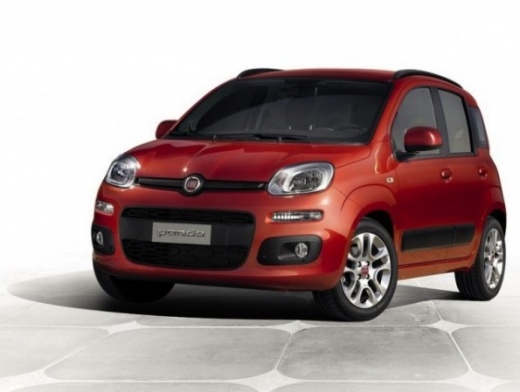
Connecting Android Auto and Parking Sensors on a Fiat Panda 2022
Model: Fiat Panda
319, MK 3
- Years:
2012, 2013, 2014, 2015, 2016, 2017, 2018, 2019, 2020, 2021, 2022, 2023
Video tutorial
Let's see how to connect Android Auto to the Fiat Panda, which operates via the USB cable located on the dashboard. By connecting the phone through Bluetooth activation, download the Android Auto application on your Android phone (while nothing needs to be done if you have an iPhone, as Apple CarPlay connects automatically) and follow a few simple steps to link the Android phone to the vehicle. By connecting with Android Auto, you can use Google Maps, which is also controllable by voice. Disconnecting the cable returns you to the vehicle's standard settings, including the DAB radio. The parking sensors are only located at the rear and sides with an audible signal.
Updated on 25 June 2026 by ScegliAuto
Related tutorials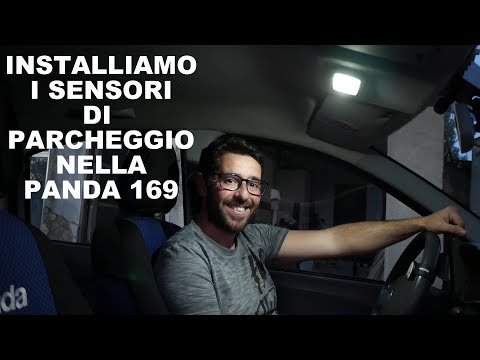
Fiat Panda
(2003-2012 /
169, MK 2)
In today's tutorial video, you will see how to remove or replace the parking sensors on a Fiat Panda, following the instructions below. First, move t…
Fiat Panda
(2012-2026 /
319, MK 3)
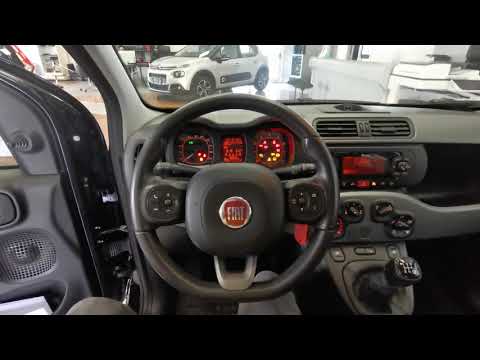
The parking sensors on a Fiat Panda are responsible for detecting the presence of objects such as walls or similar obstacles and alerting the driver,…
Fiat Panda
(2012-2026 /
319, MK 3)
The parking sensors on a Fiat Panda are designed to detect the presence of objects such as walls or similar obstacles and alert the driver, who may n…
Other guides you may be interested in
|
Frequently Asked QuestionsHow to open the boot if it is stuck on a Mercedes B-Class?
On the Mercedes B-Class, the boot may become stuck, possibly due to a problem with the control button or the lock actuator. In this case, perform the emergency opening by following the simple procedure shown in this tutorial. First, unlock the locks with the remote control, then open the rear doors and, by operating the indicated lever, lower the backrest of the seat. Next, go inside the boot, locate the indicated gap, and manually unlock the lock using a small screwdriver. by ScegliAuto More videos
|
|
For advertising on this site Write to info@scegliauto.com
ScegliAuto is not responsible for any inaccuracy of the data in the lists. To report any inaccuracy or your business (if you own the business in question), please write to info@scegliauto.com
Number of seconds to generate the page: 0.022
(c) ScegliAuto 2026 - info@scegliauto.com - Privacy policy VAT number: IT01247470535 |
