
|
Do it yourself
| |||
| ||||


How to Remove the Crankshaft Sensor on Fiat Punto
Model: Fiat Punto
MK 2, 188
- Years 1999-2011
In this video, learn how to remove and replace the crankshaft sensor on a Fiat Punto: lift the front bonnet and secure it with the prop rod. Locate the crankshaft sensor, and using a socket wrench, undo the securing bolts (if present next to the valve). Disconnect the part from the engine seat. Compare the worn part with the new one, fit the new part with the respective securing bolts, and connect the crankshaft sensor. Finally, check the maintenance performed and the correct functioning of the vehicle.
Updated on 2 March 2026 by ScegliAuto
Video tutorial
Related tutorials
Fiat Punto
(1999-2011 /
MK 2, 188)
In this video, we will see where the crankshaft sensor is located on the Fiat Punto 1.2 8V. It is positioned on the pulley of the belt near the crank…
Fiat Punto
(1999-2011 /
MK 2, 188)
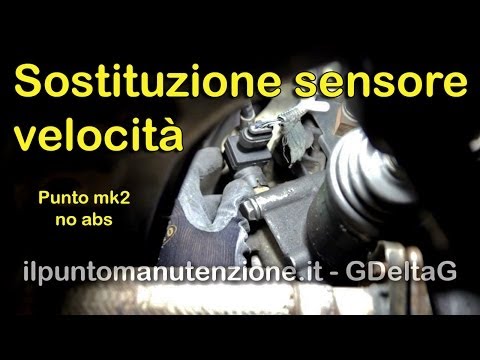
If there are issues with power steering and the speedometer, one possible fault may lie in the sensor that transmits the engine RPM to the control un…
Fiat Punto
(1999-2011 /
MK 2, 188)
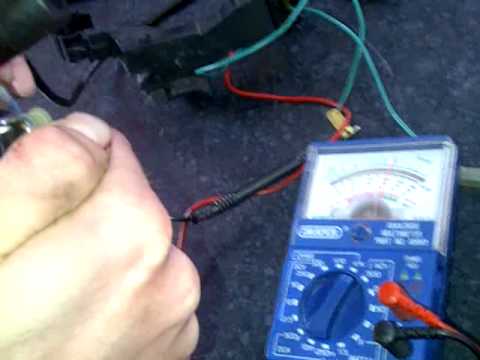
To verify the proper functioning of the temperature sensor, use a standard multimeter set to the ohm range (ohm X1 or X10). Connect the two probes of…
Other guides you may be interested in
|
Frequently Asked QuestionsHow to Check the Oil Level on a Jeep Renegade?
To check the oil level on a Jeep Renegade, you need to open the bonnet to access the components inside the engine bay: on the lower left side of the engine block, you will find the dipstick for checking the level. This should be pulled out and thoroughly cleaned with a cloth: once cleaned, reinsert it back into its tube and pull it out immediately after. This way, you can check that the oil mark is between the minimum and maximum levels; finally, you can place the dipstick back in its tube. by ScegliAuto More videos
|
For advertising on this site Write to info@scegliauto.com
ScegliAuto is not responsible for any inaccuracy of the data in the lists. To report any inaccuracy or your business (if you own the business in question), please write to info@scegliauto.com
Number of seconds to generate the page: 1.452
(c) ScegliAuto 2026 - info@scegliauto.com - Privacy policy VAT number: IT01247470535 |
