
|
Do it yourself
| |||
| ||||


Removing the Blaupunkt Radio from a Fiat Grande Punto
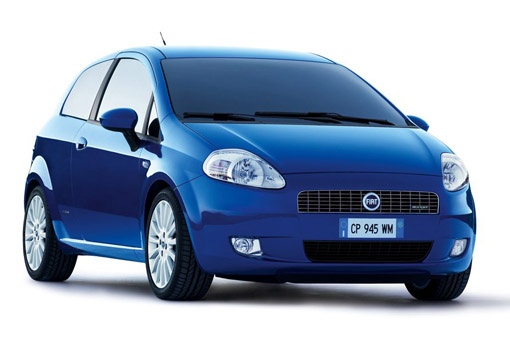
Model: Fiat Punto
MK 3, Punto EVO, 199, Grandepunto
- Years 2005-2018
In this video tutorial, we will see the steps to remove the original Blaupunkt radio from a Fiat Grande Punto. To do this, get inside the car: first, gather the appropriate tools that will allow you to insert them into the holes and pull the radio out, as shown in the video. After that, to remove it completely, disconnect the electrical connector found at the back and the antenna cable. To reassemble everything, reconnect the cables and manually insert the radio until it clicks into place, without any special tools.
Updated on 28 March 2026 by ScegliAuto
Video tutorial
Related tutorials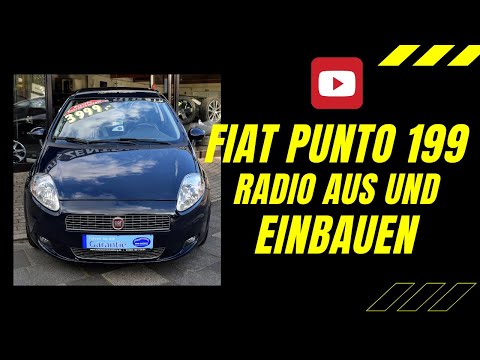
Fiat Punto
(2005-2018 /
MK 3, Punto EVO, 199, Grandepunto )
Today, learn how to remove the car radio from a Fiat Grande Punto (199). This operation is really simple; you just need to have the radio release key…
Fiat Punto
(2005-2018 /
MK 3, Punto EVO, 199, Grandepunto )
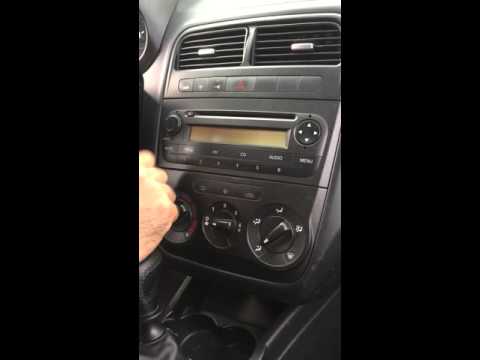
How to remove the original radio on a Fiat Grande Punto? Carefully follow these steps to perform the removal as shown in the video. Use the original …
Fiat Punto
(2005-2018 /
MK 3, Punto EVO, 199, Grandepunto )
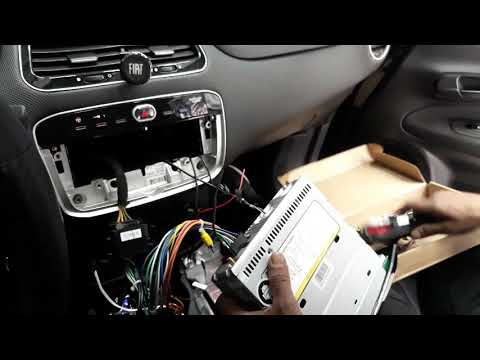
Want to remove the car radio from a Grande Punto? Use the original or aftermarket metal keys to remove the car radio. Insert the keys into the slots …
Other guides you may be interested in
|
How to Replace the Diesel Filter of the Peugeot 3008 1.5 BlueHDI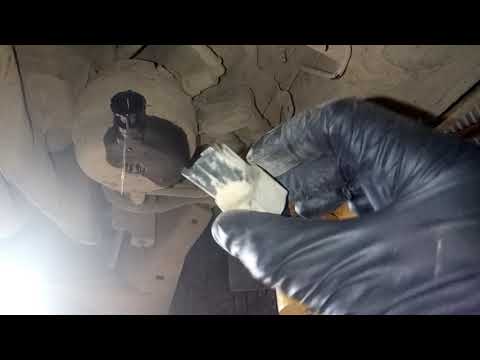
Briefly, we will see the main instructions for dismantling and replacing the diesel filter of the Peugeot 3008 1.5 BlueHDI. First, locate the diesel filter under the vehicle, so it will be necessary to lift it; then disconnect the electrical connector and the fuel lines from the filter, unscrewing the side screws to remove the cartridge, as shown in the video. At this point, replace the diesel filter with the new one, as well as with the original one; then reconnect the pipes and the electrical connector, following the video tutorial to the end! by ScegliAuto More videos
|
|
For advertising on this site Write to info@scegliauto.com
ScegliAuto is not responsible for any inaccuracy of the data in the lists. To report any inaccuracy or your business (if you own the business in question), please write to info@scegliauto.com
Number of seconds to generate the page: 0.050
(c) ScegliAuto 2026 - info@scegliauto.com - Privacy policy VAT number: IT01247470535 |
