
|
Do it yourself
| |||
| ||||


How to Replace the Front Bulbs of the Fiat Panda
Model: Fiat Panda
169, MK 2
- Years 2003-2012
In today's video, you will learn how to replace the front bulbs of the Fiat Panda. First, open the front bonnet. If necessary, remove the fuse box. Then, take out the plastic cover that conceals access to the bulbs. Disconnect the power connector and extract the bulb to be replaced. Insert the new bulb and check if it works correctly. Once done, you can reassemble the components. Repeat the process on the other side to replace the other bulb. Remember to perform this operation with the engine cold to avoid burns.
Updated on 26 June 2026 by ScegliAuto
Video tutorial
Related tutorials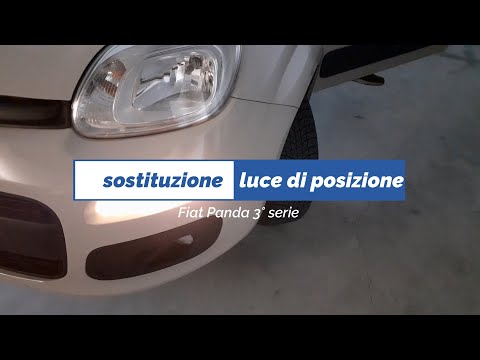
Fiat Panda
(2012-2026 /
319, MK 3)
In this video tutorial, you will learn how to remove and replace the front position bulbs on a Fiat Panda third series, following the steps outlined …
Fiat Panda
(2003-2012 /
169, MK 2)
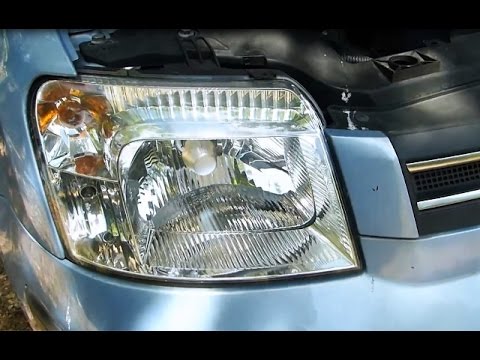
Are the headlight bulbs on your Panda damaged? Not lighting up anymore? Here's how to change them. Open the bonnet by pulling the lever located at th…
Fiat Panda
(2003-2012 /
169, MK 2)
This short video will show you how to remove the old H4 bulbs for the dipped beams in your Fiat Panda and replace them with new bulbs. This is a simp…
Other guides you may be interested in
|
Frequently Asked QuestionsHow to Bleed the Clutch on a Renault Clio?
To bleed the clutch on a Renault Clio, open the bonnet to access the components located in the engine bay: here, you will need to undo the screws that secure the battery in its housing, the intake manifold, and the coolant reservoir. This will allow you to locate the pipe through which the brake fluid flows: by inserting the other end of the pipe into a container, you can press the clutch pedal to expel all the fluid until it fills the container. by ScegliAuto More videos
|
|
For advertising on this site Write to info@scegliauto.com
ScegliAuto is not responsible for any inaccuracy of the data in the lists. To report any inaccuracy or your business (if you own the business in question), please write to info@scegliauto.com
Number of seconds to generate the page: 0.689
(c) ScegliAuto 2026 - info@scegliauto.com - Privacy policy VAT number: IT01247470535 |
