
|
Do it yourself
| |||
| ||||


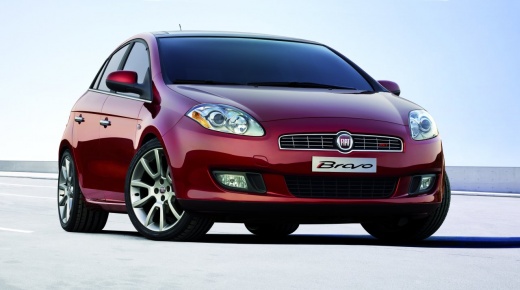
How to Set the Time on a Fiat Bravo
Model: Fiat Bravo
Bravo 2
- Years:
2007, 2008, 2009, 2010, 2011, 2012, 2013, 2014
Video tutorial
In this short and simple guide, see the steps to set the clock on the instrument panel of the Fiat Bravo. First, get in the vehicle and turn on the ignition; then press the menu button located to the right of the radio, scrolling through the options on the display using the arrows next to the menu button until you reach the time setting, as shown in the video. At this point, enter the setting and adjust the correct hours and minutes; then exit the settings to save all changes made!
Updated on 12 July 2026 by ScegliAuto
Related tutorials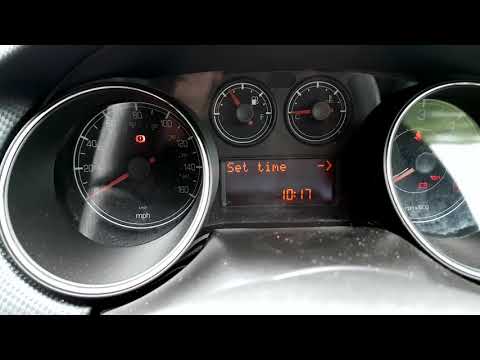
Fiat Bravo
(2007-2014 /
Bravo 2)
In this video, you will find instructions on how to adjust the clock in a second-generation Fiat Bravo. First, get inside the vehicle and turn on the…
Fiat Bravo
(2007-2014 /
Bravo 2)
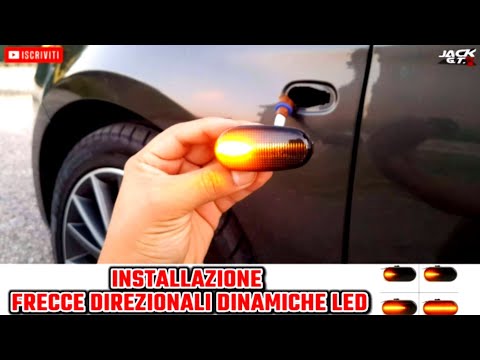
Using a thin but sturdy plastic tool, lever the side indicator out of your Fiat Bravo. Once done, disconnect the outer cover of the indicator from th…
Fiat Bravo
(2007-2014 /
Bravo 2)
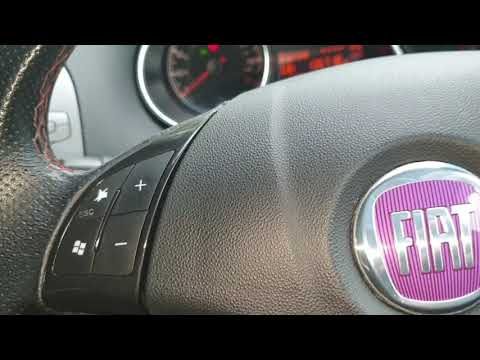
To set and modify the time on the vehicle, proceed as follows: enter the cabin, insert the ignition key, and turn on the dashboard (do not start the …
Other guides you may be interested in |
How to open the boot if it is stuck on a Mercedes B-Class?
On the Mercedes B-Class, the boot may become stuck, possibly due to a problem with the control button or the lock actuator. In this case, perform the emergency opening by following the simple procedure shown in this tutorial. First, unlock the locks with the remote control, then open the rear doors and, by operating the indicated lever, lower the backrest of the seat. Next, go inside the boot, locate the indicated gap, and manually unlock the lock using a small screwdriver. by ScegliAuto More videos
|
|
For advertising on this site Write to info@scegliauto.com
ScegliAuto is not responsible for any inaccuracy of the data in the lists. To report any inaccuracy or your business (if you own the business in question), please write to info@scegliauto.com
Number of seconds to generate the page: 0.049
(c) ScegliAuto 2026 - info@scegliauto.com - Privacy policy VAT number: IT01247470535 |
