
|
Do it yourself
| |||
| ||||


How to disassemble the rear lights on the Fiat Grande Punto?
Model: Fiat Punto
MK 3, Punto EVO, 199, Grandepunto
- Years 2005-2018
In this tutorial we can see how to disassemble the rear lights in the Fiat Grande Punto, an extremely simple and quick operation. First of all, make sure that the key is not inserted, so that you can work in complete safety, then open the trunk door, locate the two bolts located on the inner edge of the headlight in question and unscrew them using a Torx screwdriver. Then pull the headlight outwards, separate it from the bodywork and disconnect the power connector. At this point, we can transfer the bulbs to the replacement, if necessary, and reassemble everything.
Posted on 9 June 2024 by ScegliAuto
Video tutorial
Related tutorials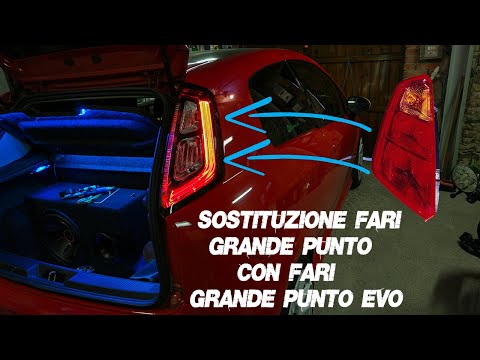
Fiat Punto
(2005-2018 /
MK 3, Punto EVO, 199, Grandepunto )
In today's video, you will learn how to remove and replace the rear lights on a Fiat Grande Punto and Punto Evo by following these simple steps. Firs…
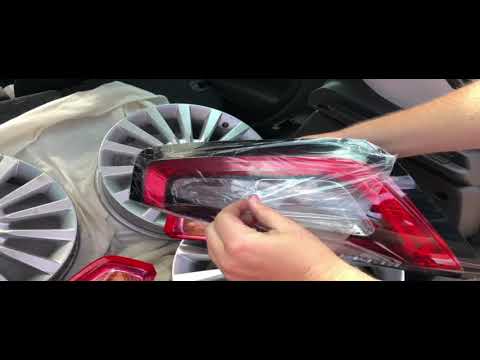
Fiat Punto
(2005-2018 /
MK 3, Punto EVO, 199, Grandepunto )
In this video, you will learn how to replace the halogen rear lights on the Fiat Punto/Grande Punto with original Fiat LED position light units. You …
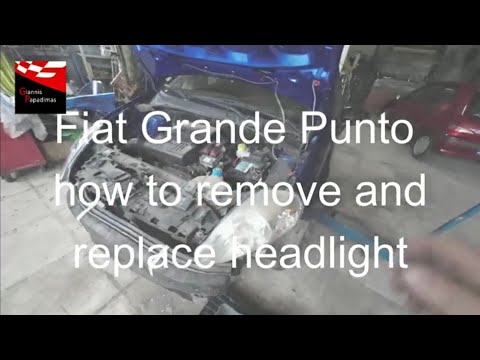
Fiat Punto
(2005-2018 /
MK 3, Punto EVO, 199, Grandepunto )
In this tutorial, you will see how to remove the front headlights on the Fiat Grande Punto, a very simple and quick operation. First, ensure the key …
Other guides you may be interested in
|
How to Bleed the Clutch on a Renault Clio?
To bleed the clutch on a Renault Clio, open the bonnet to access the components located in the engine bay: here, you will need to undo the screws that secure the battery in its housing, the intake manifold, and the coolant reservoir. This will allow you to locate the pipe through which the brake fluid flows: by inserting the other end of the pipe into a container, you can press the clutch pedal to expel all the fluid until it fills the container. by ScegliAuto More videos
|
|
For advertising on this site Write to info@scegliauto.com
ScegliAuto is not responsible for any inaccuracy of the data in the lists. To report any inaccuracy or your business (if you own the business in question), please write to info@scegliauto.com
Number of seconds to generate the page: 0.153
(c) ScegliAuto 2026 - info@scegliauto.com - Privacy policy VAT number: IT01247470535 |
