
|
Do it yourself
| |||
| ||||


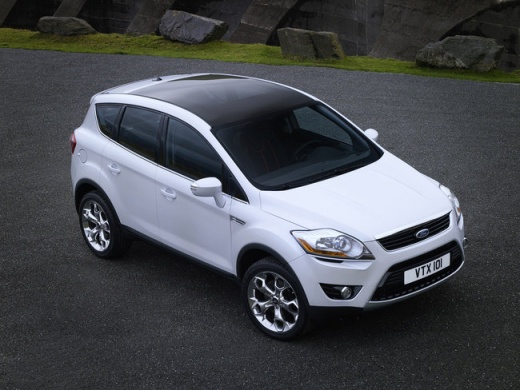
How to Remove the Multimedia Navigation Module from a Ford Kuga 08-12
Model: Ford Kuga
C394, MK 1
- Years 2008-2012
I will explain how to remove your multimedia/navigation system; this procedure is also suitable if you want to replace it with another system. With a bit of skill and patience, you can do it in simple steps. First, gather the appropriate keys for your system, insert them into the holes on the left and right sides, then apply inward pressure until you hear clicks. After that, pull the navigator towards you. Disconnect the ISO connectors by applying slight pressure and pulling towards you, along with the other connectors present. Finally, disconnect your GPS antenna, and your work is done.
Updated on 28 February 2026 by ScegliAuto
Video tutorial
Related tutorials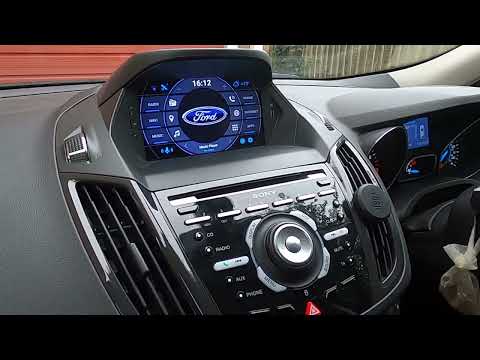
Ford Kuga
(2012-2019 /
C520, MK 2)
This video shows how to remove and replace the multimedia system or Sync 2 onboard computer on a Ford Kuga second generation. First, get inside the v…
Ford Kuga
(2008-2012 /
C394, MK 1)
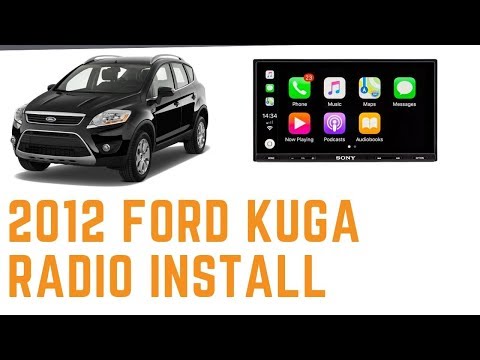
In this tutorial, learn how to remove and replace the standard radio with a multimedia system in the Ford Kuga. First, get inside the vehicle and sta…
Ford Kuga
(2020-2026 /
MK 3)
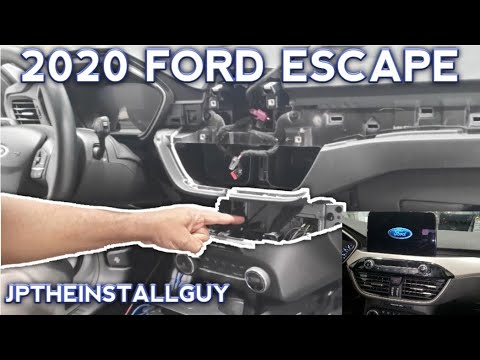
In today's video, you will see how to remove and replace the radio, and thus the entire multimedia system, on the third generation Ford Kuga (2020), …
Other guides you may be interested in
|
How to Reset the Tyre Pressure Warning Light on the Hyundai Tucson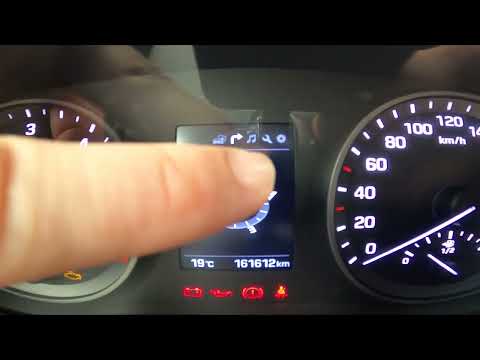
Today, we will discover the instructions that will allow you to reset the tyre pressure warning light (TPMS) on the Hyundai Tucson; before performing the reset, ensure that all four tyres are at the correct operating pressure. Then, get in the vehicle and start the ignition; next, navigate to the onboard computer settings using the controls on the steering wheel until you reach the tyre pressure monitoring section, as shown in the video. At this point, confirm and execute the reset of the TPMS warning light! by ScegliAuto More videos
|
|
For advertising on this site Write to info@scegliauto.com
ScegliAuto is not responsible for any inaccuracy of the data in the lists. To report any inaccuracy or your business (if you own the business in question), please write to info@scegliauto.com
Number of seconds to generate the page: 0.944
(c) ScegliAuto 2026 - info@scegliauto.com - Privacy policy VAT number: IT01247470535 |
