
|
Do it yourself
| |||
| ||||


How to replace the front brake discs on a Ford Transit Connect van?
Model: Ford Transit
MK 8
- Years 2014-2024
In this tutorial, we can see how to replace the front brake discs on the Ford Transit Connect van, a very simple operation but one that requires good manual skills. First of all, we lift the side on which we will be working, taking all necessary safety measures, then we remove the wheel, release the indicated metal clip, and unscrew the two rear pins of the caliper with a 5mm hex key. We then separate the caliper itself from the support, remove the disc, and insert the replacement. At this point, all that remains is to reassemble everything and repeat the operation on the opposite side.
Posted on 4 March 2025 by ScegliAuto
Video tutorial
Related tutorials
Ford Transit
(2006-2014 /
MK 7)
If you intend to understand how to remove the front bumper of the Ford Transit Connect, this video is perfect for us, as it explains step by step how…
Ford Transit
(2014-2024 /
MK 8)
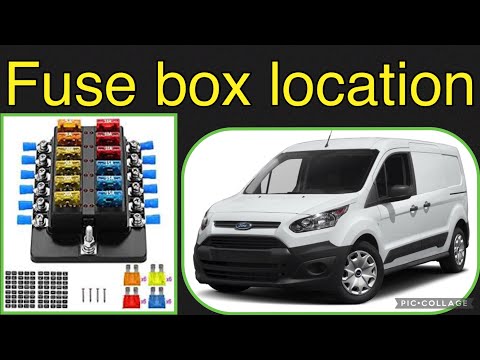
If one or more fuses in your 2018 Ford Transit Connect are blown and you want to replace them, follow the instructions in this mini guide to easily l…
Ford Transit
(2000-2006 /
MK 6)
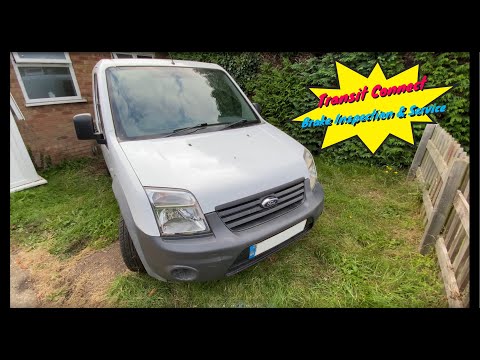
In this brief and simple guide, follow the instructions to remove and replace the front brake pads on a Ford Transit Connect. First, lift the vehicle…
Other guides you may be interested in
|
How to Open a Stuck Boot on the Peugeot 407?
On the Peugeot 407, the boot may become stuck, possibly due to a problem with the control button or the lock actuator. In such cases, you can perform an emergency opening by following the simple procedure shown in this tutorial. First, open the rear doors, then lower the seat back by operating the release lever. Next, go inside the boot, locate the lock, and manually operate it using a flathead screwdriver. The boot will then be free to open. by ScegliAuto More videos
|
|
For advertising on this site Write to info@scegliauto.com
ScegliAuto is not responsible for any inaccuracy of the data in the lists. To report any inaccuracy or your business (if you own the business in question), please write to info@scegliauto.com
Number of seconds to generate the page: 0.532
(c) ScegliAuto 2026 - info@scegliauto.com - Privacy policy VAT number: IT01247470535 |
