
|
Do it yourself
| |||
| ||||


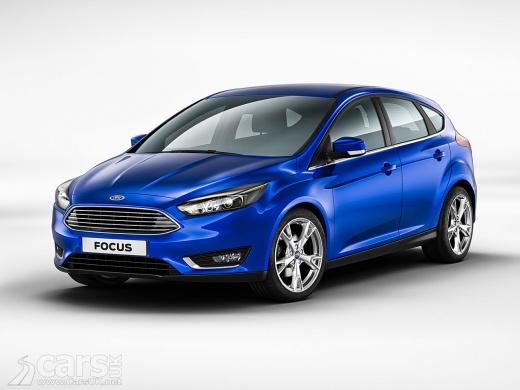
How to Replace the Lower Lambda Sensor on a Ford Focus 2.0L
Model: Ford Focus
MK 3
- Years:
2011, 2012, 2013, 2014, 2015, 2016, 2017, 2018
Video tutorial
In this guide, you will discover the main instructions on how to remove and replace the lambda sensor on a Ford Focus 2.0L. First, raise the vehicle and locate the lambda sensor, situated on the underside of the engine (on the exhaust manifold); disconnect its electrical connector and unscrew the oxygen sensor using a socket to remove it, as shown in the video. Install the new lambda sensor by hand and tighten gently with a socket; reconnect it and reset any engine fault light.
Posted on 7 April 2026 by ScegliAuto
Related tutorials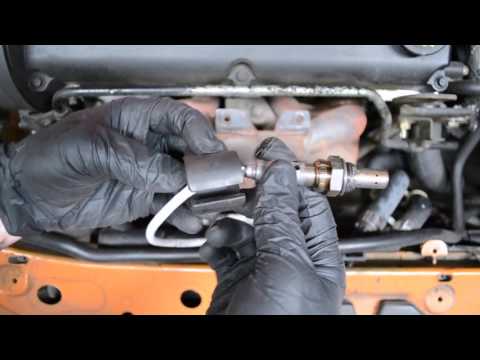
Ford Focus
(1998-2004 /
MK 1)
Let’s look at replacing the lambda sensor on a Focus. Lift the bonnet and secure it. Remove the plastic engine cover panel and unscrew the bolts secu…
Ford Focus
(2011-2018 /
MK 3)
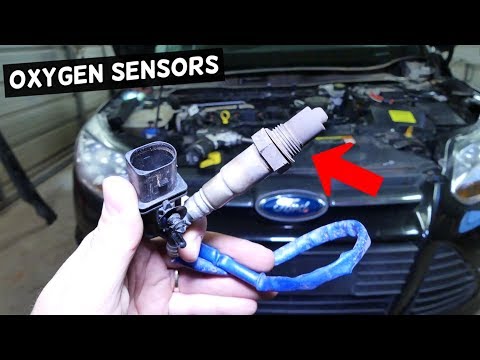
In this video tutorial, you will learn how to remove and replace the lambda sensor on a Ford Focus Mk3. Open and lift the bonnet and first locate the…
Ford Focus
(2011-2018 /
MK 3)
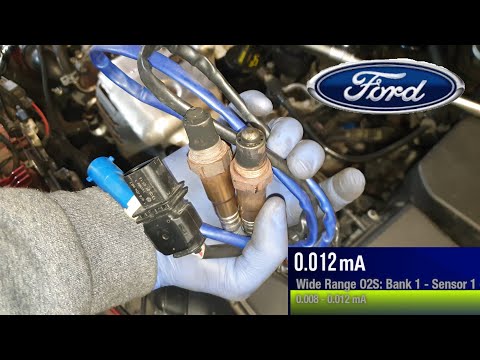
In today's video tutorial, you will see how to remove and replace the oxygen sensor or lambda sensor on the third series Ford Focus with the 1.0 Ecob…
Other guides you may be interested in
|
How to Change the Time on the Peugeot 208
Today's guide will show you how to set the clock on the Peugeot 208's onboard computer, following the instructions below. First, get in the car and turn on the instrument panel; then press and hold the settings button on the panel for a few seconds until the time starts to flash, as shown in the video. At this point, press the left button to correctly set the time, adjusting the hour first and then the minutes; exit the onboard computer menu to save all the changes made! by ScegliAuto More videos
|
|
For advertising on this site Write to info@scegliauto.com
ScegliAuto is not responsible for any inaccuracy of the data in the lists. To report any inaccuracy or your business (if you own the business in question), please write to info@scegliauto.com
Number of seconds to generate the page: 0.018
(c) ScegliAuto 2026 - info@scegliauto.com - Privacy policy VAT number: IT01247470535 |
