
|
Do it yourself
| |||
| ||||


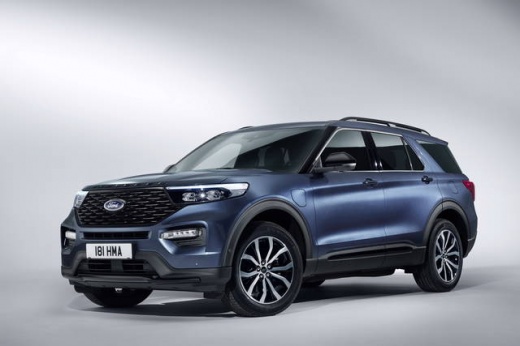
How to Reset the System on a Ford Explorer
Model: Ford Explorer
MK 6, U625
- Years:
2020, 2021, 2022, 2023, 2024, 2025, 2026
Video tutorial
To reset the SYNC multimedia system on a Ford Explorer, turn on the ignition and use the central touchscreen display. If the system is frozen or unresponsive, first perform a reboot by pressing and holding the audio power button and the track forward button simultaneously for about 10 seconds, until the screen goes off and SYNC restarts. For a complete reset, open Settings on the display, select General, and choose Master Reset. Confirm the operation when prompted and wait for the system to restart. The Master Reset restores SYNC to its factory settings and deletes paired phones, preferences, saved destinations, and other personal data, which will need to be configured again.
Posted on 10 September 2026 by ScegliAuto
Related tutorials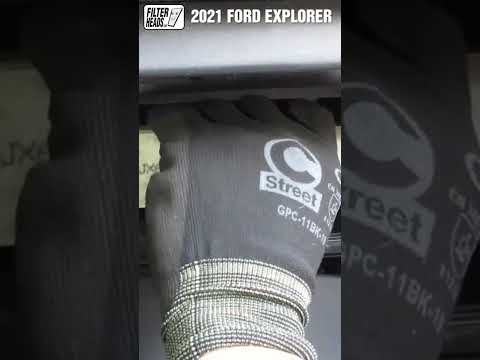
Ford Explorer
(2020-2026 /
MK 6, U625)
In this new guide dedicated to your new Ford Explorer Mk6 (2020-2022), discover how to replace the cabin air filter independently and safely. The ent…
Ford Explorer
(2011-2019 /
MK 5, U502)
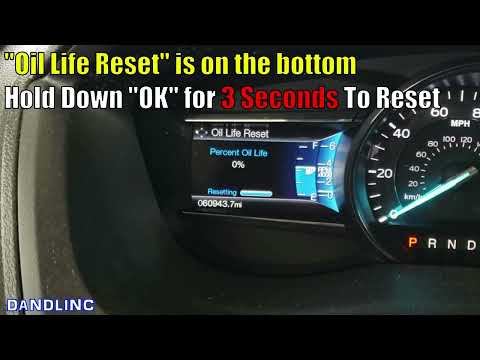
If you have just changed the oil and the respective filter on your 2017 Ford Explorer Mk5 but the warning light continues to illuminate on the instru…

Ford Explorer
(2002-2005 /
MK 3, U152)
After changing the oil and replacing the corresponding filter on your Ford Explorer, it is necessary to perform a quick manual reset of the warning l…
Other guides you may be interested in |
How to Open the Fuel Filler Flap in the Hyundai i30?
In this tutorial, you will learn how to open the fuel filler flap in the Hyundai i30, a very simple operation that follows the typical procedure of most vehicles. First, unlock the locks using the designated button on the remote, then open the driver's door, locate the release lever on the left side of the seat, and operate it. Next, move to the fuel filler flap, open it completely, unscrew the cap, and refuel as needed. To close the flap, simply press it gently. by ScegliAuto More videos
|
|
For advertising on this site Write to info@scegliauto.com
ScegliAuto is not responsible for any inaccuracy of the data in the lists. To report any inaccuracy or your business (if you own the business in question), please write to info@scegliauto.com
Number of seconds to generate the page: 0.010
(c) ScegliAuto 2026 - info@scegliauto.com - Privacy policy VAT number: IT01247470535 |
