
|
Do it yourself
| |||
| ||||


Replacing the Remote Battery for Ford Focus, C-Max
Model: Ford C Max
MK 1
- Years:
2003, 2004, 2005, 2006, 2007, 2008, 2009, 2010
Video tutorial
In this video tutorial, you will learn how to dismantle and replace the battery in the remote control of a Ford C-Max, as well as other Ford models like the Focus. First, take your remote control and detach the back by prying it open; then remove the key by pulling it out. Using a screwdriver or something sharp, remove the cover by prying it off and separate the remote into two parts. At this point, you will have access to the battery: remove it and replace it with a new long-lasting one. It is recommended to clean all electrical contacts in the meantime!
Updated on 20 March 2026 by ScegliAuto
Related tutorials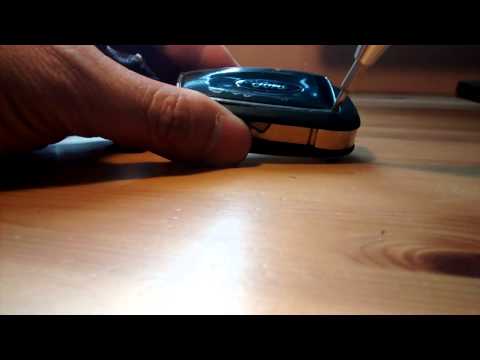
Ford C Max
(2010-2019 /
MK 2)
How do you change the battery of the key remote for a Ford Focus C-Max? Watch this detailed video to find out. Take your remote and use a screwdriver…
Ford C Max
(2010-2019 /
MK 2)
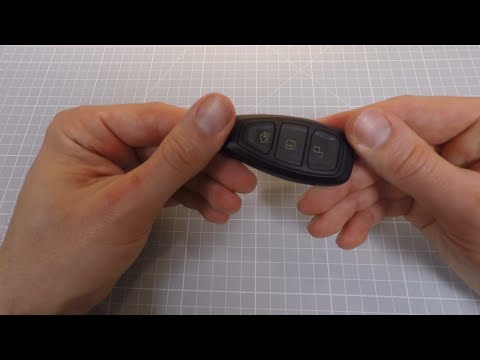
In this description, you will learn how to disassemble and replace the battery of the key fob for a second series Ford C-Max. Take the key fob and pr…
Ford C Max
(2010-2019 /
MK 2)
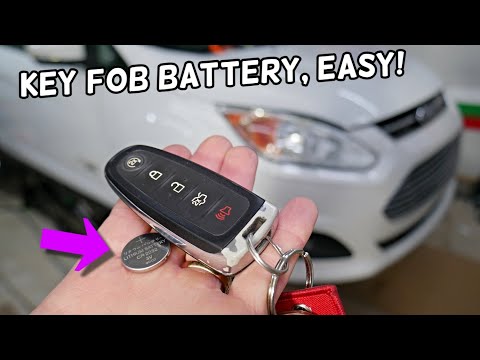
Replace the battery of the Ford C-Max remote by moving the switch located on the back of the device, allowing the emergency key to be extracted from …
Other guides you may be interested in
|
How to Open the Bonnet of a Toyota C-HR
To open the bonnet of a Toyota C-HR, get inside the vehicle and lift the lever with the bonnet symbol located under the steering wheel. After lifting the lever, you will notice that the bonnet rises a few centimetres. Position yourself in front of the bonnet, insert your hand into the gap, and move the small internal lever from right to left, then lift the bonnet. You can keep the bonnet open during maintenance by positioning it on the support rod. To close the bonnet, remove the support rod and let it drop back down. by ScegliAuto More videos
|
|
For advertising on this site Write to info@scegliauto.com
ScegliAuto is not responsible for any inaccuracy of the data in the lists. To report any inaccuracy or your business (if you own the business in question), please write to info@scegliauto.com
Number of seconds to generate the page: 0.129
(c) ScegliAuto 2026 - info@scegliauto.com - Privacy policy VAT number: IT01247470535 |
