
|
Do it yourself
| |||
| ||||



How to Reset the Service Light on a Ford Kuga
Model: Ford Kuga
MK 1, C394
- Years:
2008, 2009, 2010, 2011, 2012
Video tutorial
Resetting the service light on a Ford Kuga is a fairly simple operation that can be done manually without professional intervention. First, close all doors and turn on the instrument cluster without starting the engine; this can be done by pressing the start button without touching the pedals. Once the instrument cluster is on, press the brake pedal and the accelerator pedal fully; these should remain pressed for about 15 seconds until the message confirming the reset appears on the instrument cluster. At this point, release the pedals and turn off the instrument cluster by pressing the start button again without touching the pedals.
Updated on 31 March 2026 by ScegliAuto
Related tutorials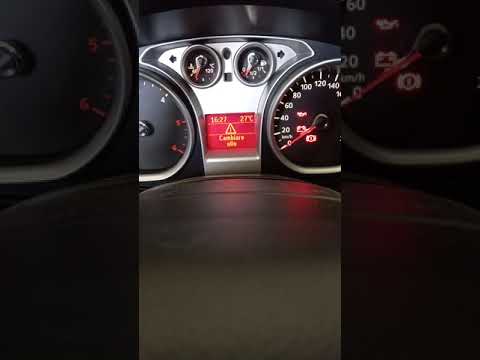
Ford Kuga
(2008-2012 /
MK 1, C394)
Discover the instructions on how to reset the service light for the regular maintenance oil change on the first generation Ford Kuga, in simple and q…
Ford Kuga
(2012-2019 /
MK 2, C520)
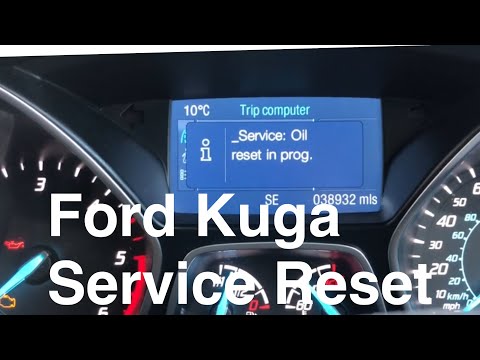
When your Ford Kuga indicates, with the activation of the specific light, that it is time for an oil and filter change, it alerts you to perform the …

Ford Kuga
(2008-2012 /
MK 1, C394)
In this video tutorial, you will find instructions on how to reset the service light for the routine maintenance oil change of a first-generation For…
Other guides you may be interested in
|
How to Enter the Unlock Code for the Radio in the Nissan Micra?
In this tutorial, you will see how to enter the unlock code for the radio in the Nissan Micra, a very simple operation to perform in case of memory loss after replacing the battery. The code can be found in the documents provided at purchase or through one of the various online recovery services. First, turn on the instrument panel, then repeatedly press the "1" button until you reach the first digit of the code. Follow the same logic to enter the remaining 3 digits using the "2", "3", and "4" buttons, and confirm the entry with the up arrow button. by ScegliAuto More videos
|
|
For advertising on this site Write to info@scegliauto.com
ScegliAuto is not responsible for any inaccuracy of the data in the lists. To report any inaccuracy or your business (if you own the business in question), please write to info@scegliauto.com
Number of seconds to generate the page: 0.033
(c) ScegliAuto 2026 - info@scegliauto.com - Privacy policy VAT number: IT01247470535 |
