
|
Do it yourself
| |||
| ||||


Removing the Door Panel on Ford Fiesta mk5
Model: Ford Fiesta
Fiesta 5, MK 5, MK V
- Years 2002-2008
Remove by hand (if you struggle, use a plastic wedge or a flat screwdriver) the plastic panel where the window switch is attached. While doing this, disconnect the connector of the switch. Unscrew the two exposed Torx screws to remove the other part of the plastic. Remove the screw cover behind the opening handle and unscrew the underlying screw. Use a socket to unscrew the 10 mm screws securing the panel from underneath, then remove the plastic on the front pillar and you're done. You can now take off the panel.
Updated on 14 April 2026 by ScegliAuto
Video tutorial
Related tutorials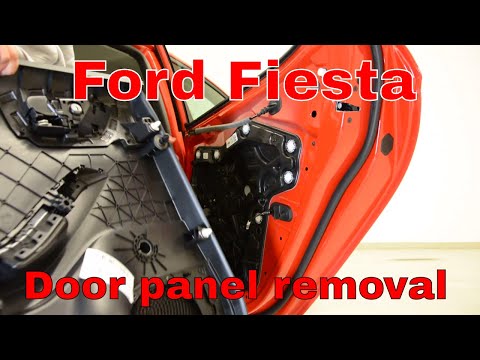
Ford Fiesta
(2017-2023 /
MK 7, MK VII, Fiesta 7)
Let's look at removing the door panel of a Ford Fiesta along with the necessary removal parts. Remove the trim plastic above the handle and the cover…
Ford Fiesta
(2002-2008 /
Fiesta 5, MK 5, MK V)
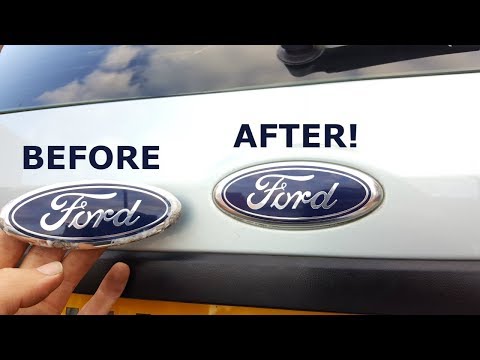
In this video, learn how to remove and replace the manufacturer's badge or logo of the fifth series Ford Fiesta in simple and quick steps. First, ope…
Ford Fiesta
(2008-2017 /
Fiesta 6, MK 6, MK VI)
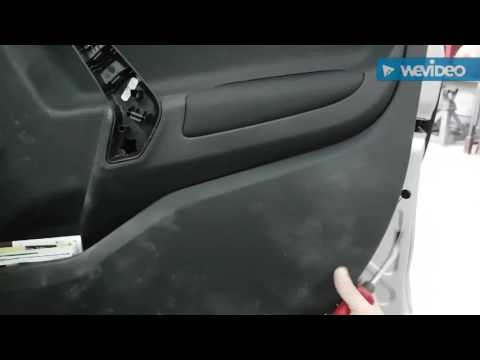
Learn how to remove the cover panel from above the door of a Ford Fiesta. Remove the trim covering the handle: use a Torx screwdriver to unscrew the …
Other guides you may be interested in
|
How to Adjust the Brightness of the Instrument Cluster on a Peugeot 3008?
To adjust the brightness of the instrument cluster on a Peugeot 3008, you need to turn on the ignition and access the settings via the menu located in the central area of the dashboard. In the screen that appears, select the "Display Configuration" option: now, by selecting the "Brightness" option, you can adjust it using the dedicated slider that will appear on the screen. The adjustment should be made with the headlights on as well as with them off. Once the adjustment is complete, you can turn off the instrument cluster. by ScegliAuto More videos
|
|
For advertising on this site Write to info@scegliauto.com
ScegliAuto is not responsible for any inaccuracy of the data in the lists. To report any inaccuracy or your business (if you own the business in question), please write to info@scegliauto.com
Number of seconds to generate the page: 0.063
(c) ScegliAuto 2026 - info@scegliauto.com - Privacy policy VAT number: IT01247470535 |
