
|
Do it yourself
| |||
| ||||


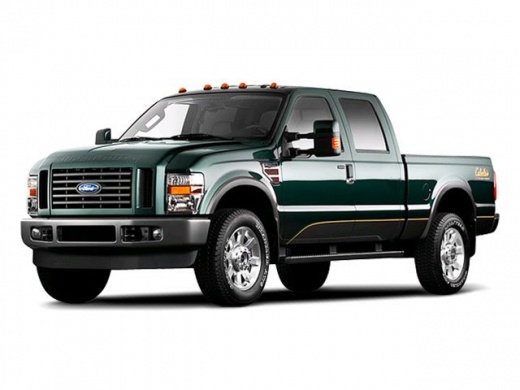
How to Replace the Stereo in the Ford F-350
Model: Ford F-350
P356
- Years:
2008, 2009, 2010
Video tutorial
In today's video, we will see how to replace the factory stereo in the Ford F-350. Remove the two plastic parts at the base of the center console using a screwdriver. Now you can remove the complete trim. Unscrew the screws holding the stereo in place and pull it out. Be careful to disconnect the power connectors and the antenna. You can now proceed to install the new stereo using the original connectors. Once done, reinstall everything carefully. Now you can enjoy your new digital stereo and its features.
Updated on 12 May 2026 by ScegliAuto
Related tutorials
Ford F-350
(1999-2007 /
Phn131)
Removing the radio in this type of vehicle is quite simple and quick. Before you start the removal process, make sure the engine is off and the batte…

Ford F-350
(2011-2016 /
P473)
Start by removing the two screws on the sides of the center console, disconnecting the connectors. Now, unscrew the two support screws of the trim. P…

Ford F-350
(2017-2023 /
P558)
The 2022 Ford F 350 has two fuse boxes: the first fuse box is located behind the passenger side glove compartment, and the second is located under th…
Other guides you may be interested in |
How to Set the Clock on a Renault Master 3
This guide shows you how to set a new time on a Renault Master 3. Start by turning on the instrument cluster of the vehicle without starting the engine. Next, using the end of the right-hand steering column stalk, scroll through the options on the display until you reach 'set time', then press the down arrow button to make the displayed time blink. Once this is done, press and hold the down arrow button to change the hour, which you can adjust using the two arrow buttons at the end of the stalk. Once the correct hour is set, press and hold the down arrow button again to move to the minutes. After setting the correct time, restart the vehicle. by ScegliAuto More videos
|
|
For advertising on this site Write to info@scegliauto.com
ScegliAuto is not responsible for any inaccuracy of the data in the lists. To report any inaccuracy or your business (if you own the business in question), please write to info@scegliauto.com
Number of seconds to generate the page: 0.010
(c) ScegliAuto 2026 - info@scegliauto.com - Privacy policy VAT number: IT01247470535 |
