
|
Do it yourself
| |||
| ||||



How to Reset the Oil Service Light on a Ford F-350 Pickup?
Model: Ford F-350
P558
- Years:
2017, 2018, 2019, 2020, 2021, 2022, 2023
Video tutorial
In the Ford F-350 pickup, after changing the oil and the corresponding filter, you need to manually remove the oil service light and reset the service. In this tutorial, you will see how to proceed. First, insert the key and turn on the ignition. Then, scroll through the various display screens, enter the "Truck Info" section, and select "Engine Information." At this point, as indicated on the display, simply press and hold the OK button to complete the procedure. Restart the ignition and verify that the operation was successful.
Updated on 13 May 2026 by ScegliAuto
Related tutorials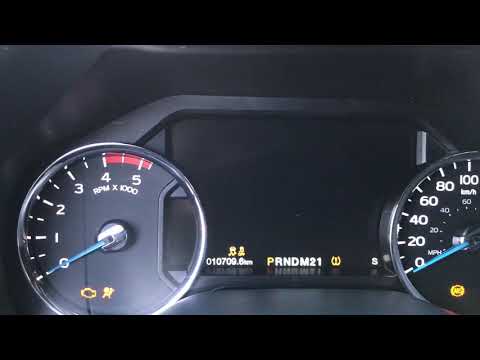
Ford F-350
(2017-2023 /
P558)
.. reset the engine oil service light on the Ford F-350 pickup, a very simple operation. Before proceeding, ensure you have completed all required maintenance.. …
Ford F-350
(2017-2023 /
P558)
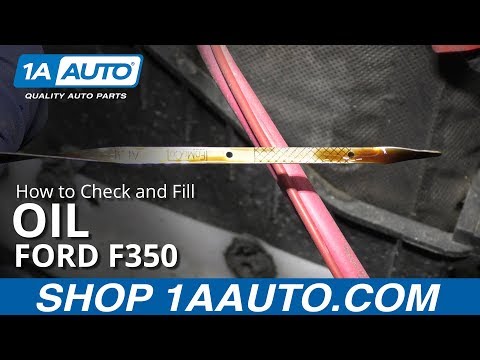
.. how to check the engine oil level in a Ford F-350 pickup. This is a simple task to perform regularly to ensure the engine is always in ideal operating.. …

Ford F-350
(2017-2023 /
P558)
.. is on in the instrument cluster of your Ford F-350 pickup, it means that the fluid in the emissions system has reached the minimum level and needs to.. …
Other guides you may be interested in
|
How to Reset the Tyre Pressure Warning Light on a Kia Rio?
The tyre pressure warning light displayed on the instrument cluster of the Kia Rio can be reset by inflating the tyres until they reach the recommended pressure value: this value is indicated on the sticker affixed to the driver's door pillar. Once all tyres have been inflated to the recommended pressure, turn on the ignition to check that the light has disappeared: if it is still present, it may be necessary to drive for a few miles, allowing the sensors to work and thus turning off the light. by ScegliAuto More videos
|
|
For advertising on this site Write to info@scegliauto.com
ScegliAuto is not responsible for any inaccuracy of the data in the lists. To report any inaccuracy or your business (if you own the business in question), please write to info@scegliauto.com
Number of seconds to generate the page: 0.076
(c) ScegliAuto 2026 - info@scegliauto.com - Privacy policy VAT number: IT01247470535 |
