
|
Do it yourself
| |||
| ||||


How to Factory Reset the Ford Sync System
Model: Ford Ford Various
Performing a factory reset on the Ford Sync system can quickly and easily resolve any software errors. Unfortunately, this procedure will erase all custom settings, but they can be recovered with a bit of patience. Once the car's ignition is on and the central display is activated, click on "Settings" and then on "General". Scroll down to find the "Master Reset" option. Proceed and confirm your intention to perform the reset. A moment later, the procedure will be successfully completed.
Updated on 19 May 2026 by ScegliAuto
Video tutorial
Related tutorials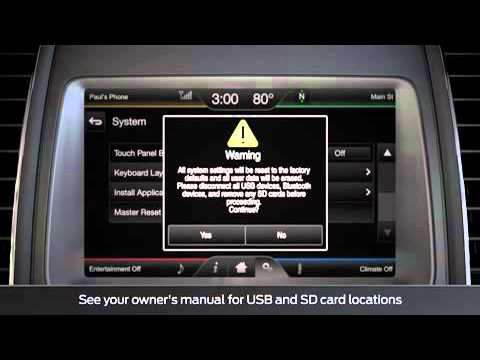
Ford Ford Various
To reset the Sync of the Ford car radio, first turn on the instrument cluster and the car radio. Then, press the gear icon and select "Settings". Now…

Ford Ford Various
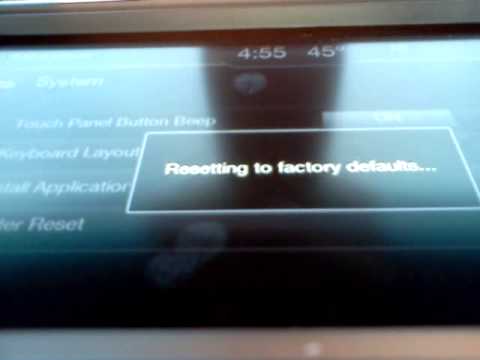
If you are experiencing issues with the Sync multimedia system in your Ford vehicle, you can perform a system reset. You can find instructions in thi…
Ford Ford Various
To reset the Sync on a Ford car radio, insert the key into the ignition switch and turn it to power on the instrument cluster. This will allow you to…
Other guides you may be interested in |
How to reset the tyre pressure warning light on the Suzuki Jimny?
To reset the tyre pressure warning light on the Suzuki Jimny, first inflate the tyres to the pressure value indicated on the corresponding sticker: this is located at the bottom of the driver's door pillar. Once the tyres are inflated, insert the ignition key and turn on the instrument panel: select the screen that indicates the tyre pressures, checking that the values change. After a few seconds, the tyre pressure warning light will automatically turn off. by ScegliAuto More videos
|
|
For advertising on this site Write to info@scegliauto.com
ScegliAuto is not responsible for any inaccuracy of the data in the lists. To report any inaccuracy or your business (if you own the business in question), please write to info@scegliauto.com
Number of seconds to generate the page: 0.240
(c) ScegliAuto 2026 - info@scegliauto.com - Privacy policy VAT number: IT01247470535 |
