
|
Do it yourself
| |||
| ||||


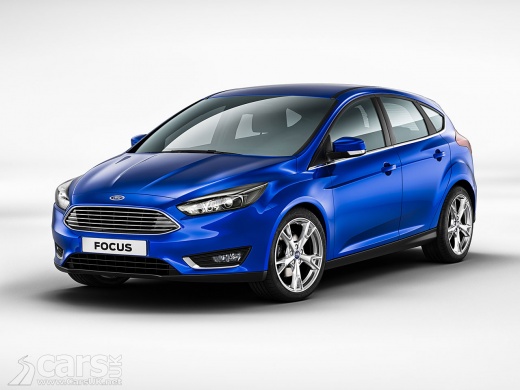
How to Reset the PCM on a Ford Focus?
Model: Ford Focus
MK 3
- Years:
2011, 2012, 2013, 2014, 2015, 2016, 2017, 2018
Video tutorial
To reset and clear the PCM on your vehicle, follow the instructions below and refer to the video. First, access the engine bay and open the bonnet. Locate the battery, disconnect the positive terminal, and isolate it from the rest of the battery. Take a wire with two alligator clips at each end; connect the first clip to the negative terminal that remains connected to the battery and the second to the terminal you have disconnected. Wait at least 10 minutes without changing anything. After 10 minutes have passed, remove the wire and reconnect the positive terminal, and the procedure is complete.
Updated on 30 June 2026 by ScegliAuto
Related tutorials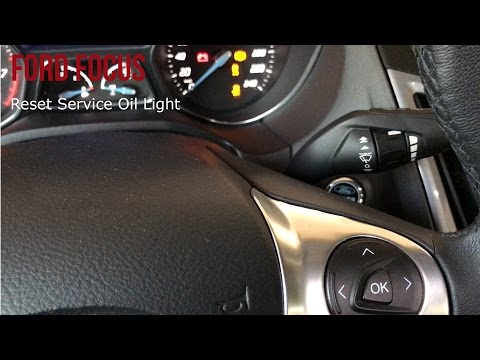
Ford Focus
(2011-2018 /
MK 3)
To reset the service indicator on a Ford Focus, follow these steps: First, turn on the ignition without starting the engine. Press the accelerator an…
Ford Focus
(1998-2004 /
MK 1)
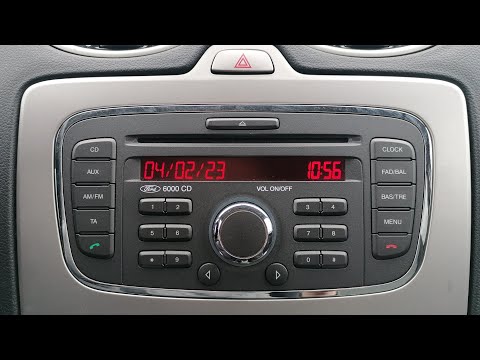
To reset the Ford Focus 6000 CD radio, follow this procedure: turn on the vehicle's ignition, press the central knob of the radio, and then simultane…

Ford Focus
(2004-2011 /
MK 2, Focus 2)
This tutorial is valid not only for the Ford Focus but also for other Ford models built in the same years. Turn on the instrument panel but not the e…
Other guides you may be interested in
|
Frequently Asked QuestionsHow to Reset the Tire Pressure Light on a MG ZS?
On the instrument cluster of the MG ZS, the tire pressure light that appears can be reset by inflating the tires to the correct pressure: this value will be indicated on the sticker attached to the driver's door pillar. Once the tires have been properly inflated, you can turn on the instrument cluster and navigate through the menu until you find the option that indicates tire pressure: if this screen shows the new values, the light will turn off; otherwise, you will need to drive for a few miles so that the sensors can read the new values and turn off the light afterward. by ScegliAuto More videos
|
|
For advertising on this site Write to info@scegliauto.com
ScegliAuto is not responsible for any inaccuracy of the data in the lists. To report any inaccuracy or your business (if you own the business in question), please write to info@scegliauto.com
Number of seconds to generate the page: 0.059
(c) ScegliAuto 2026 - info@scegliauto.com - Privacy policy VAT number: IT01247470535 |
