
|
Do it yourself
| |||
| ||||


How to reset the service light on Ford Fiesta
Model: Ford Fiesta
Fiesta 6, MK 6, MK VI
- Years 2008-2017
After having carried out the engine oil and relative filter change service, we need to proceed with canceling the service indications and the relative warning light that came on on the dashboard. To do this, we must follow these instructions: access the car, sit down in the driver's seat and turn on the ignition, and do not start the engine, do not touch any pedal. If the car is equipped with the start and stop system, press the disabling control. Then press the brake and accelerator pedals simultaneously until the service indication on the dashboard goes out. Finally turn off the ignition.
Posted on 1 January 2023 by ScegliAuto
Video tutorial
Related tutorials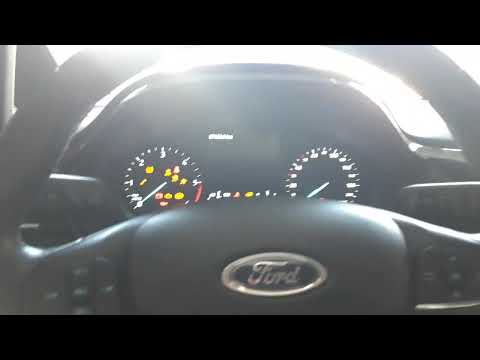
Ford Fiesta
(2017-2023 /
MK VII, Fiesta 7, MK 7)
The service light on the 2020 Ford Fiesta can also be reset without the use of the OBD port and the computer with the dedicated software for mechanic…

Ford Fiesta
(2017-2023 /
MK VII, Fiesta 7, MK 7)
In today's video tutorial we will see how to reset the service light, or the key light that appears on the dashboard, on the Ford Fiesta seventh seri…
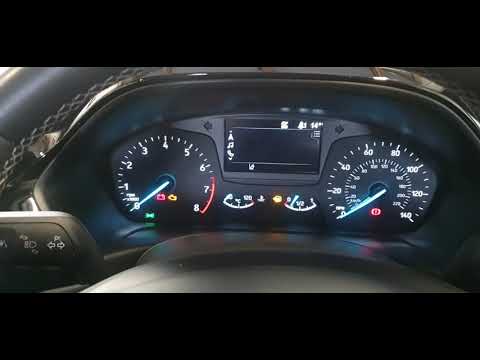
Ford Fiesta
(2017-2023 /
MK VII, Fiesta 7, MK 7)
In today's video we will see the instructions that will allow us to reset the oil change routine maintenance service light on a Ford Fiesta MK7. Firs…
Other guides you may be interested in
|
How to Remove the Center Console on a Mercedes C-Class
Let's see how to remove the center console on a Mercedes C-Class. Use a plastic trim tool to pry off the cover located at the bottom of the center console. Remove the leather shift boot along with its plastic frame. After removing the cover, unscrew the fastening screws located at the top of the center console with a screwdriver. Once this is done, pull the console away and disconnect the power cables for the knob. Finally, insert the new piece into the center console area and reassemble all the components of the glove compartment as you disassembled them earlier. by ScegliAuto More videos
|
|
For advertising on this site Write to info@scegliauto.com
ScegliAuto is not responsible for any inaccuracy of the data in the lists. To report any inaccuracy or your business (if you own the business in question), please write to info@scegliauto.com
Number of seconds to generate the page: 0.097
(c) ScegliAuto 2026 - info@scegliauto.com - Privacy policy VAT number: IT01247470535 |
