
|
Do it yourself
| |||
| ||||


What to Do If the Radio in a Ford Focus MKIII Is Not Working
Model: Ford Focus
MK 3
- Years 2011-2018
If the radio in your Ford Focus MK3 is not working, there could be several causes, and our YouTuber helps us discover them. The first could be a blown fuse. The faulty fuse, for all versions, is located in the passenger compartment and is number 79, rated at 15A. To check the functionality of the fuses, you will need a voltmeter, a device that costs around £15 and will be useful for many DIY occasions. Another issue could be a faulty start button, possibly due to oxidation. You could remove it with a small screwdriver and check. Other functionalities may only be checked at a garage, as it involves an integrated radio.
Updated on 13 July 2026 by ScegliAuto
Video tutorial
Related tutorials
Ford Focus
(2004-2011 /
MK 2, Focus 2)
When the radio on the 2006 Ford Focus locks due to battery replacement or a blown fuse, it is necessary to enter the radio unlock code to make it wor…
Ford Focus
(2004-2011 /
MK 2, Focus 2)
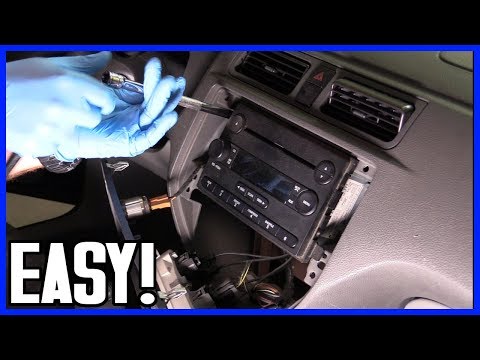
Want to remove the original stereo from a Ford Focus? Here’s how to proceed with the correct removal: remove the trim around the stereo using a plast…
Ford Focus
(2004-2011 /
MK 2, Focus 2)
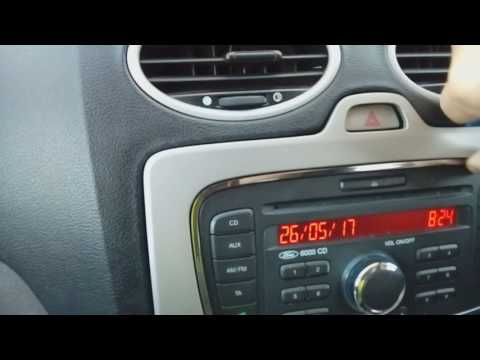
Do you want to remove the radio from your Ford Focus and don't know how? Let's see how to remove the original stereo in this guide: Remove the trim a…
Other guides you may be interested in |
Frequently Asked QuestionsHow to Open the Bonnet on the Lancia Y
To open the bonnet on this vehicle, follow these simple instructions: first, open the driver's door and locate the lever positioned just below the dashboard, marked with an image of the vehicle with the bonnet open. Pull this lever towards you until you hear a "click" indicating the bonnet is released. Next, exit the cabin and stand in front of the bonnet to disengage the safety catch and complete the opening. To do this, slightly lift the bonnet, locate the yellow lever underneath, and pull it to the left to fully release and open the bonnet. by ScegliAuto More videos
|
|
For advertising on this site Write to info@scegliauto.com
ScegliAuto is not responsible for any inaccuracy of the data in the lists. To report any inaccuracy or your business (if you own the business in question), please write to info@scegliauto.com
Number of seconds to generate the page: 0.053
(c) ScegliAuto 2026 - info@scegliauto.com - Privacy policy VAT number: IT01247470535 |
