
|
Do it yourself
| |||
| ||||


To reset the oil light on the Ford F 250.
Model: Ford F-250
P558
- Years 2017-2022
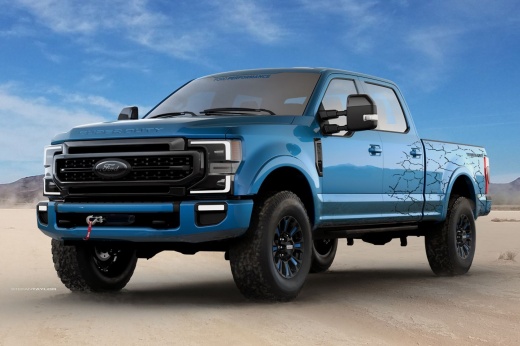
In the following guide dedicated to all of you who own a Ford F 250 latest model, we will discover how to manually reset the engine oil light. First, get into the car and turn on the ignition, then press the right arrow button several times to navigate through the onboard menu and enter the "Truck Info" screen. At this point, scroll down and select the "Maintenance monitor" option. Finally, click on the "Oil life" item and hold down the "OK" button until the reset of the light is completed correctly. Turn off the ignition and you're done.
Posted on 17 August 2023 by ScegliAuto
Video tutorial
Related tutorials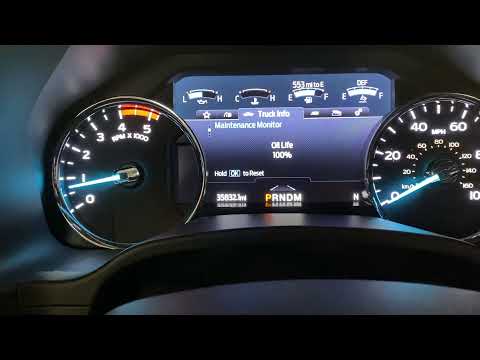
Ford F-250
(2017-2022 /
P558)
In this our new mini guide we will explain how to correctly reset the engine oil warning light on the new Ford F 250. This is a routine operation tha…
Ford F-250
(2017-2022 /
P558)
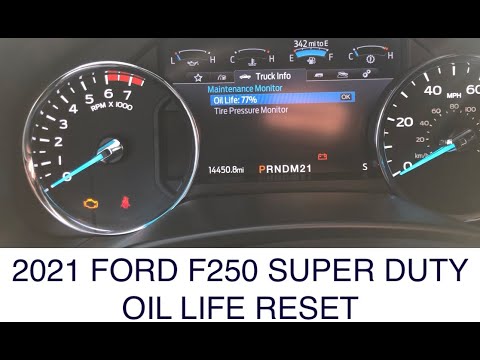
Below we will find out how to reset the engine oil warning light inside the new Ford F 250. First, press the Start button and turn on the ignition (y…
Ford F-250
(2017-2022 /
P558)
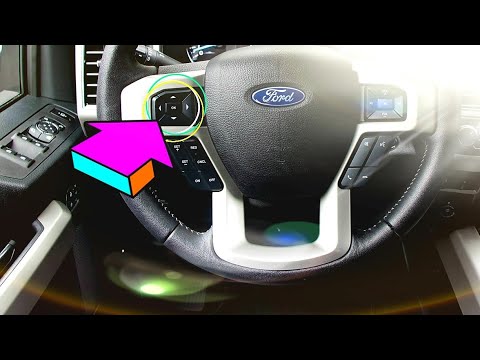
In this new mini guide, we're going to find out how to manually reset the Ford F 250 oil light correctly. First, insert the key and start the instrum…
Other guides you may be interested in
|
How to Clean the Injectors on BMW 3 Series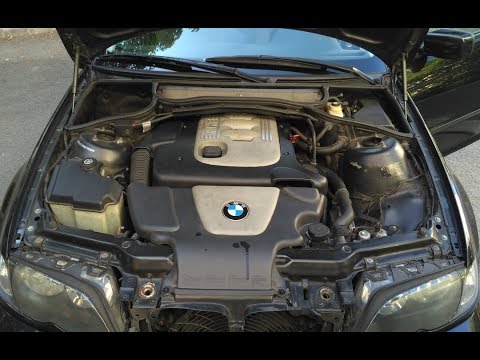
Let's see how to clean the injectors on BMW 3 Series with the appropriate cleaning kit. Lift the hood and secure it with the prop rod, then disconnect the fuel supply hose that leads to the injectors. Connect the pressure gauge and the cleaning kit to the fuel lines; start running the cleaning fluid from the previously connected kit through the fuel lines of the injectors (repeat this process several times). Disconnect everything and start the engine. Reinstall the fuel line leading to the injectors after cleaning them of any dirt and deposits. by ScegliAuto More videos
|
|
For advertising on this site Write to info@scegliauto.com
ScegliAuto is not responsible for any inaccuracy of the data in the lists. To report any inaccuracy or your business (if you own the business in question), please write to info@scegliauto.com
Number of seconds to generate the page: 0.122
(c) ScegliAuto 2026 - info@scegliauto.com - Privacy policy VAT number: IT01247470535 |
