
|
Do it yourself
| |||
| ||||


How to reset the service light on the Ford S Max?
Model: Ford S Max
MK 2
- Years 2016-2024
The procedure to reset the service light on the Ford S Max is very simple and quick. The first step is to get inside the car and insert the key to start the Ford instrument panel, then press the Ok button on the steering wheel to access the menu. The second step is to press the downward arrow button to scroll within the menu until you reach the "vehicle" option. Press the OK button and then select the "Oil Life" option. Hold down the OK button for a few seconds until the light goes off. Turn off the instrument panel for further confirmation of the reset.
Posted on 7 September 2023 by ScegliAuto
Video tutorial
Related tutorials
Ford S Max
(2006-2016 /
MK 1)
Resetting the service light on a 2006 Ford S Max vehicle is a simple and quick procedure that can be done independently. The service light not only i…

Ford S Max
(2016-2024 /
MK 2)
To reset the Service light on the instrument panel of the Ford S-Max, you will need to turn on the instrument panel by inserting the ignition key int…

Ford S Max
(2006-2016 /
MK 1)
When the service light of the Ford S Max turns on, it means that we need to perform the car service on the vehicle and then reset the light. To reset…
Other guides you may be interested in
|
How to Remove the Interior Light of a Mini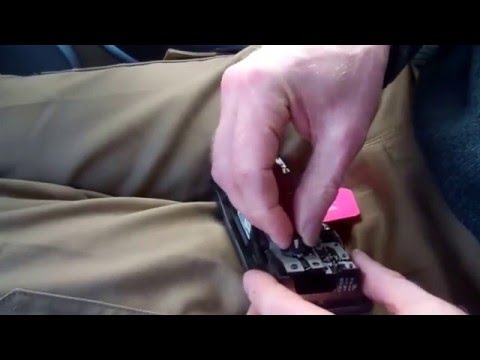
Remove the interior light of a Mini: use a screwdriver or plastic lever to pry between the cover and the light itself (avoid damaging the headlining), pull the cover out from the panel and disconnect the power connector after removing it. Replace the damaged bulb with a new one (same size and voltage). Refit the light into its housing (push it in with your hands until the metal clips are fully locked). Test the light's functionality before completely refitting the piece. by ScegliAuto More videos
|
|
For advertising on this site Write to info@scegliauto.com
ScegliAuto is not responsible for any inaccuracy of the data in the lists. To report any inaccuracy or your business (if you own the business in question), please write to info@scegliauto.com
Number of seconds to generate the page: 0.116
(c) ScegliAuto 2026 - info@scegliauto.com - Privacy policy VAT number: IT01247470535 |
