
|
Do it yourself
| |||
| ||||


How to Connect a Mobile Phone to a Ford CD6000 Radio
Model: Ford Ford Various
To connect a mobile phone to a Ford CD6000 radio, first activate the Bluetooth function from the menu by pressing the central button until the screen displays "ADV MENU". Then, press the right arrow button. From here, press the central button to get the display to show "BT OFF". Now, press the right arrow button again. This will activate the Bluetooth function. Next, enable the Bluetooth function on your mobile phone; search for the "ford audio" function and select it. A unique PIN will be displayed on the radio; enter it on your mobile phone within 30 seconds. Confirm. Your phone will appear on the screen, and the number "1" will show next to the time. At this point, you can use the hands-free function.
Updated on 25 August 2026 by ScegliAuto
Video tutorial
Related tutorials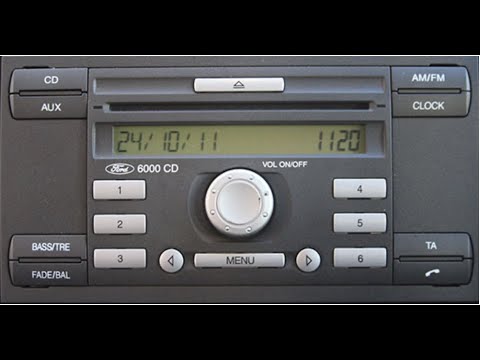
Ford Ford Various
In this video, you will learn how to access the serial number of the main unit of the Ford CD6000 radio. The YouTuber advises turning on the dashboar…

Ford Ford Various
In this video we see a really simple method to view the code of the Ford CD6000 radio, without the need to disassemble it to look on the internal wal…
Ford Ford Various
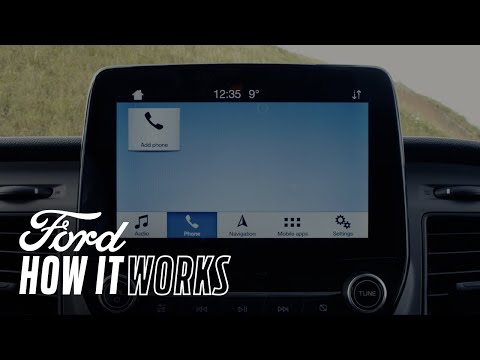
In this video, learn how to correctly connect your phone to the Ford Sync 3 system. First, start your vehicle and ensure Bluetooth is activated on yo…
Other guides you may be interested in |
How to Open the Bonnet of a Renault Megane if the Lever is Broken?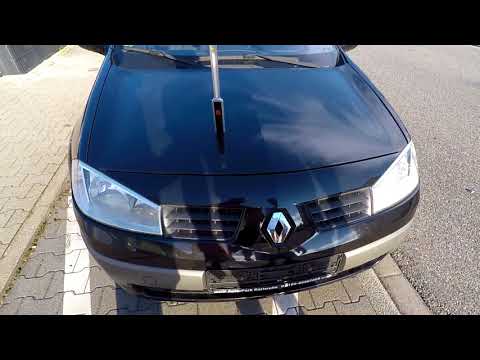
If the lever that unlocks the bonnet of the Renault Megane is broken or not functioning, there is an emergency procedure to unlock the mechanism: remove the right front grille located at the top of the bumper. Once the grille is removed, you can locate the actuator mechanism: by pulling the spring in this position, you can unlock the actuator, allowing you to lift the bonnet and access the components located inside the engine compartment. You can then close the bonnet simply by lowering it. by ScegliAuto More videos
|
|
For advertising on this site Write to info@scegliauto.com
ScegliAuto is not responsible for any inaccuracy of the data in the lists. To report any inaccuracy or your business (if you own the business in question), please write to info@scegliauto.com
Number of seconds to generate the page: 0.887
(c) ScegliAuto 2026 - info@scegliauto.com - Privacy policy VAT number: IT01247470535 |
