
|
Do it yourself
| |||
| ||||


How to view the serial number on a Ford CD6000 radio
Model: Ford Ford Various
Video tutorial
In this video we see a really simple method to view the code of the Ford CD6000 radio, without the need to disassemble it to look on the internal wall, in order to find the code number for the reset. This code number is necessary when we have done some work on the car that required disconnecting the negative pole of the battery. In fact, in this case the entire system resets, and the radio requires the code. If we cannot find it in the user manual, we follow the youtuber's instructions: we must press and hold down the "1" and "6" keys simultaneously. The display will start to give a series of information, until it indicates the code number, preceded by a "V" or an "M".
Posted on 22 July 2025 by ScegliAuto
Related tutorials
Ford Ford Various
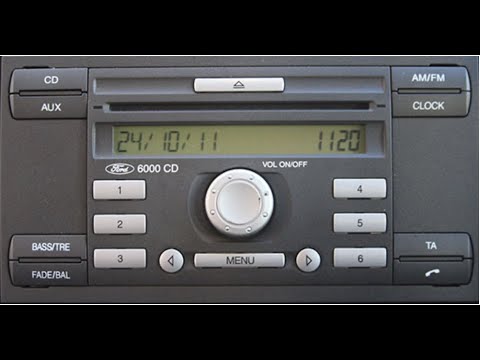
When the CD6000 radio in your Ford vehicle, manufactured before 2010, asks for a 4-digit code: you may not have it. First, find the serial number: ho…
Ford Ford Various
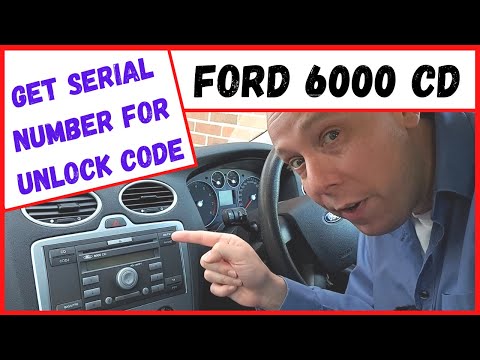
In this video, you will learn how to access the serial number of the main unit of the Ford CD6000 radio. The YouTuber advises turning on the dashboar…
Ford Ford Various
In this tutorial, see how to retrieve the unlock code for the Ford CD6000 radio, which you need to enter after disconnecting the battery, for example…
Other guides you may be interested in
|
How to Remove the Rear Seat of a Hyundai Tucson?
To remove the rear seat of a Hyundai Tucson, follow these steps. Start by moving the front seats to their most forward position to gain space. Next, locate the release lever on the underside of the rear seat, near the floor. Press this lever down while pulling the seat upwards to unlock it from the anchor pins. Once unlocked, tilt the seat upwards and forwards to remove it from its position. Repeat this process for both sides of the rear seat. Be careful of any electrical cables or components that may be connected to the seat during removal. Once the rear seat is removed, the disassembly is complete. by ScegliAuto More videos
|
|
For advertising on this site Write to info@scegliauto.com
ScegliAuto is not responsible for any inaccuracy of the data in the lists. To report any inaccuracy or your business (if you own the business in question), please write to info@scegliauto.com
Number of seconds to generate the page: 0.108
(c) ScegliAuto 2026 - info@scegliauto.com - Privacy policy VAT number: IT01247470535 |
