
|
Do it yourself
| |||
| ||||


How to Reset the Battery Module Detection on a Ford Vehicle
Model: Ford Ford Various
Video tutorial
Let's see how to reset the battery module detection via the BMS (Battery Monitoring System). The engine must be off, the key in the ignition in the "off" position, and the vehicle (in this case, a Ford Maverick, but the sequence is the same for all models with this functionality) must have the doors closed. The activation sequence is to press the position light button five times (lever on the left of the steering wheel) and then press the brake pedal three times. If the battery light starts flashing, it means the sequence is correct. Turn off the vehicle and then turn on the ignition to check that the light has turned off and that the reset was successful.
Posted on 27 April 2026 by ScegliAuto
Related tutorials
Ford Ford Various
The message "hill start assist not available" on a Ford vehicle means that the hill start assist system has temporarily deactivated due to a detected…
Ford Ford Various
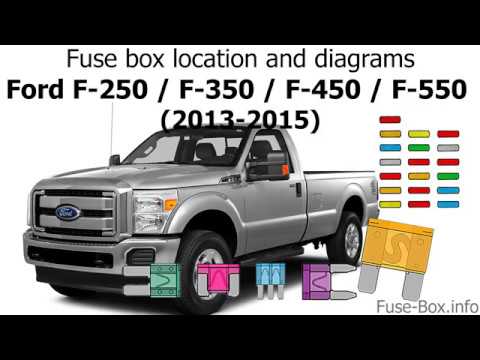
The first fuse panel in a Ford F350 vehicle is located behind the cover on the edge in front of the passenger seat, under the glove compartment, thus…

Ford Ford Various
Today, you will learn how to reset the PCM of the Ford powertrain. Disconnect the battery for 15 minutes to reset the onboard computer; after disconn…
Other guides you may be interested in
|
How to lower the rear seats in the Peugeot 206?
In this tutorial, you will see how to lower the rear seats in the Peugeot 206, a very simple and quick operation, for example, if you need more space in the boot. First, open both the doors and the tailgate, then unclip the seat base and position it vertically. Next, remove the horizontal partition, locate the release levers at the ends of both seatbacks, and, by operating them, lower the seatbacks. To reassemble everything, simply follow the reverse procedure. by ScegliAuto More videos
|
|
For advertising on this site Write to info@scegliauto.com
ScegliAuto is not responsible for any inaccuracy of the data in the lists. To report any inaccuracy or your business (if you own the business in question), please write to info@scegliauto.com
Number of seconds to generate the page: 0.128
(c) ScegliAuto 2026 - info@scegliauto.com - Privacy policy VAT number: IT01247470535 |
