
|
Do it yourself
| |||
| ||||


How to Clean the MAF Sensor on a 2003 Ford Fiesta
Model: Ford Fiesta
MK V, MK 5, Fiesta 5
- Years:
2002, 2003, 2004, 2005, 2006, 2007, 2008
Video tutorial
If you notice engine performance issues, especially during acceleration, it is likely that the MAF (Mass Air Flow) sensor may be damaged. This sensor provides the engine management unit with information about the amount of air drawn into the engine. A first attempt to resolve this is to clean the sensor instead of replacing it directly. It is possible that the incoming air contains suspended particles that can settle on the sensor and alter its readings. The sensor is located at the entrance of the engine air filter box. To remove it, disconnect the connector, the hose from the turbo, and unscrew the relevant fixing screws. Once the sensor is removed, use a specific cleaning spray without rubbing the sensor with a brush, and do not blow compressed air to dry it.
Updated on 23 February 2026 by ScegliAuto
Related tutorials
Ford Fiesta
(2008-2017 /
Fiesta 6, MK VI, MK 6)
Before you can start, open the bonnet of your Ford Fiesta. The MAF sensor is located inside the upper cover of the air filter housing. Begin by relea…
Ford Fiesta
(2002-2008 /
MK V, MK 5, Fiesta 5)
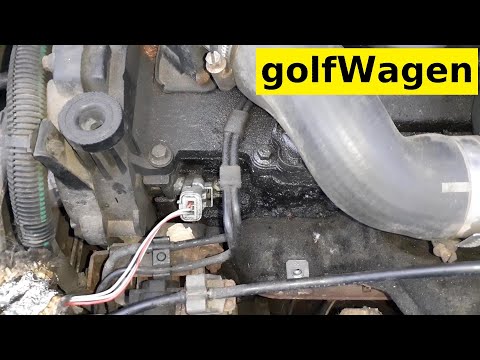
In this video, learn how to remove and replace the camshaft speed sensor on a Ford Fiesta 1.4 TDCi. First, open the bonnet of your car and disconnect…
Ford Fiesta
(2008-2017 /
Fiesta 6, MK VI, MK 6)
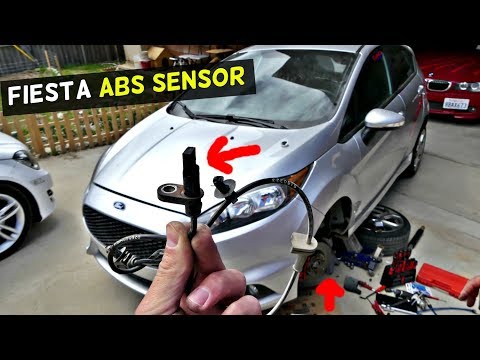
Replacing the ABS sensor on a Ford Fiesta? Let's see how to disassemble the part. Lift the car with a jack, unscrew the wheel bolts with a socket spa…
Other guides you may be interested in
|
How to Set the Time in an Audi A4?
In this tutorial, you will see how to set the time in an Audi A4, a very simple and quick operation to perform after replacing the battery or when the time changes. First, insert the key and turn on the instrument cluster. Then, press the "SETUP" button located on the center console. Next, press the upper left arrow button, navigate to the "Time" option, and use the central knob to adjust the clock. Finally, set any necessary formats and save by returning to the main screen. by ScegliAuto More videos
|
|
For advertising on this site Write to info@scegliauto.com
ScegliAuto is not responsible for any inaccuracy of the data in the lists. To report any inaccuracy or your business (if you own the business in question), please write to info@scegliauto.com
Number of seconds to generate the page: 0.049
(c) ScegliAuto 2026 - info@scegliauto.com - Privacy policy VAT number: IT01247470535 |
