
|
Do it yourself
| |||
| ||||


How do you replace the GMC Sierra cabin fan?
Model: GMC Sierra
MK 2
- Years 1999-2007
In order to replace the GMC Sierra's passenger compartment fan, it is necessary to unscrew the screws that fix the panel positioned immediately under the glove box on the front passenger's side: once this panel has been removed, it will be possible to unscrew the screws they secure the protective cover of the passenger compartment fan, which must be disconnected from its connector and removed from inside its housing. Once the old fan has been removed, the new one can be inserted, connecting it and inserting it in its seat by assembling all the previously removed components.
Posted on 7 March 2023 by ScegliAuto
Video tutorial
Related tutorials
GMC Sierra
(1999-2007 /
MK 2)
Let's see in this guide how to remove and replace the resistor of the passenger compartment fan or the air conditioner of the Gmc Sierra, following t…

GMC Sierra
(2014-2018 /
MK 4)
In this new guide dedicated to all of you who own a GMC Sierra, we will discover the various steps you need to follow if you intend to locate the fus…
GMC Sierra
(2014-2018 /
MK 4)
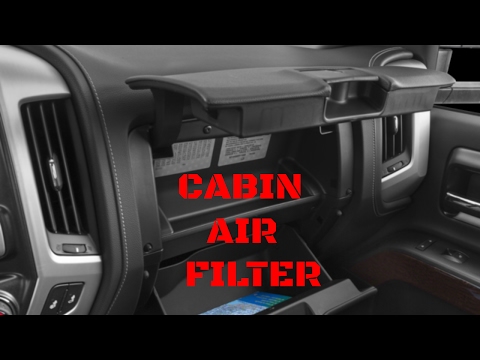
The GMC Sierra cabin filter can be replaced by opening the glovebox on the passenger side and unscrewing the bolts at the top that secure it. Once th…
Other guides you may be interested in
|
How to Remove the Instrument Cluster on a Nissan Qashqai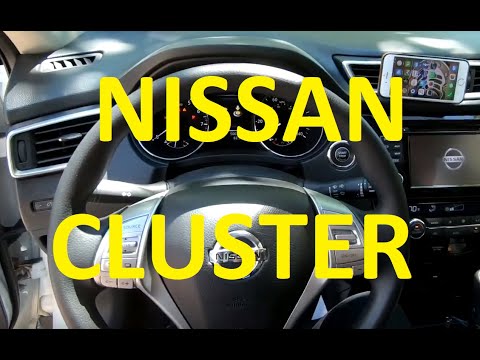
How to remove the instrument cluster on a Nissan Qashqai? Follow these steps: use a lever to remove the trim plastics under the steering wheel and take out the air vent next to the instrument cluster. Unscrew the securing screws of the instrument cluster with a screwdriver; after removing the plastics, pull out the ignition button (right side) from the dashboard and detach the plastics in the centre of the cluster. Unscrew the securing screws around the instrument cluster and remove it along with the power cable located at the back of the cluster. Install a new part or replace the LEDs/bulbs in the cluster and reassemble it. by ScegliAuto More videos
|
|
For advertising on this site Write to info@scegliauto.com
ScegliAuto is not responsible for any inaccuracy of the data in the lists. To report any inaccuracy or your business (if you own the business in question), please write to info@scegliauto.com
Number of seconds to generate the page: 0.053
(c) ScegliAuto 2026 - info@scegliauto.com - Privacy policy VAT number: IT01247470535 |
