
|
Do it yourself
| |||
| ||||


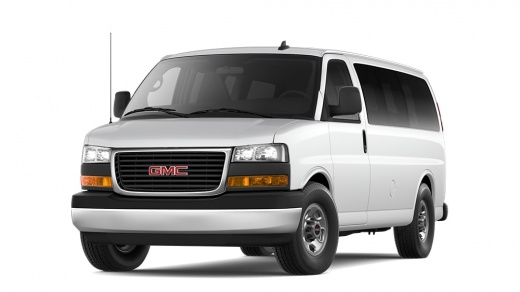
Resetting the service indicator light on the GMC Savana MK2.
Model: GMC Savana
MK 2
- Years 2003-2024
In this video, we see how the appearance of an orange wrench-shaped warning light combined with the oil symbol, at the top left of the instrument panel of the GMC Savana, reminds us that we are approaching the expected mileage for an oil change. After the replacement, we need to reset the system that handles the warning. Sit in the driver's seat, turn on the ignition, press the accelerator pedal three times until it reaches the end, the warning light will flash and turn off. Turn off the ignition, and upon the next restart, the warning light will briefly appear and then turn off to confirm the reset.
Posted on 18 March 2024 by ScegliAuto
Video tutorial
Related tutorials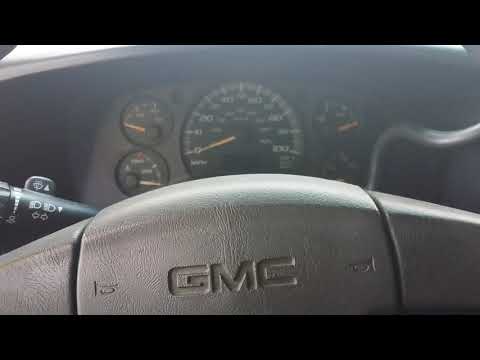
GMC Savana
(2003-2024 /
MK 2)
The procedure required to be able to manually reset the engine oil change warning light on your 2006 GMC Savana is very simple and will only take you…
GMC Savana
(2003-2024 /
MK 2)
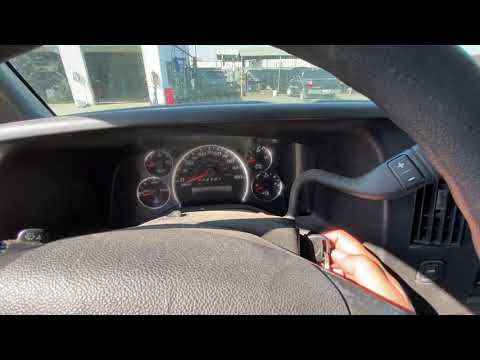
In this tutorial we can see how to reset the oil service in the GMC Savana, a very simple and fast operation, to be carried out only after completing…
GMC Savana
(1996-2002 /
MK 1)
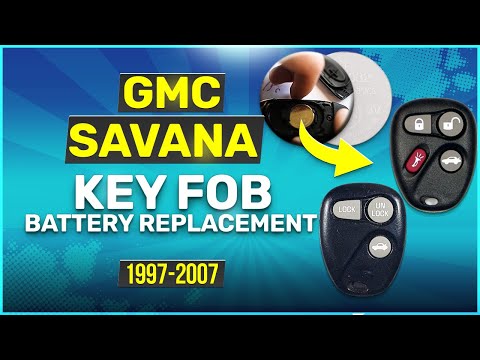
Thanks to the very simple and minimalist structure of the key for your GMC Savana, replacing the battery inside it is particularly easy and quick. Be…
Other guides you may be interested in
|
How to Replace the Front Headlight Bulbs of a Toyota Rav4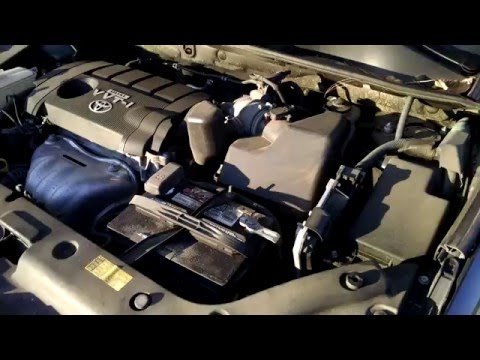
Want to change the front headlight bulbs of a Toyota Rav4 and don't know how? Follow these steps. Open the bonnet and secure it. Locate the inspection caps at the back of the headlights and remove them. At this point, you will find the bulbs with metal clips. Pull the bulb holder out of the headlight and extract the damaged bulb. Fit the new bulb (ensuring it is the correct type and size) and insert the bulb holder back into the headlight housing. Finally, close the headlight with the inspection cap. Test the lights to ensure they are functioning correctly. by ScegliAuto More videos
|
|
For advertising on this site Write to info@scegliauto.com
ScegliAuto is not responsible for any inaccuracy of the data in the lists. To report any inaccuracy or your business (if you own the business in question), please write to info@scegliauto.com
Number of seconds to generate the page: 0.073
(c) ScegliAuto 2026 - info@scegliauto.com - Privacy policy VAT number: IT01247470535 |
