
|
Do it yourself
| |||
| ||||


How to Replace Brake Shoes and Disc Brake on a Honda CR-V
Model: Honda CR-V
MK 1
- Years 1995-2001
In this video tutorial, you can see how to replace the brake shoes and disc brake on a Honda CR-V 1 by following some essential steps: first, lift the vehicle using a jack and place safety stands under the vehicle. Now, unscrew the wheel bolts and remove the wheel from its hub. Use a 14mm socket wrench to unscrew the bolts of the brake caliper and remove the brake caliper. Use a cross-head screwdriver to unscrew the screws on the brake disc, and then remove the brake disc. Clean any dirt from the supports with a wire brush, as shown in the video. Install the new components in reverse order.
Updated on 16 June 2026 by ScegliAuto
Video tutorial
Related tutorials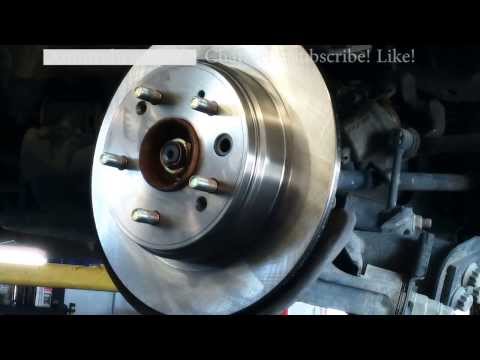
Honda CR-V
(2002-2007 /
MK 2)
The necessary tools for the operation are: torque wrench, ratchet spanner, Allen key, hammer, and wire brush. Remove the retaining springs from the d…
Honda CR-V
(2007-2012 /
MK 3)
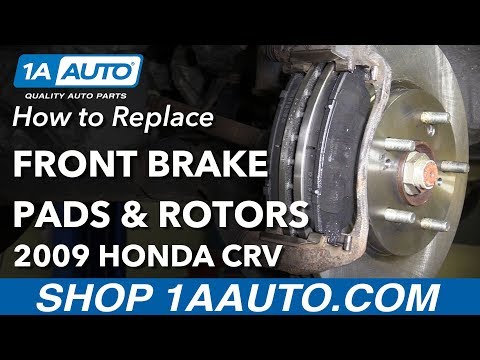
To replace the front brake pads on a Honda CR-V, lift the vehicle so that you can unscrew the bolts securing the wheel corresponding to the pads to b…
Honda CR-V
(2012-2017 /
MK 4)
To replace the front brake pads on the Honda CR-V, lift the car so that the front wheels are off the ground. Once the car is lifted, loosen the bolts…
Other guides you may be interested in
|
How to replace the horn on a Renault Duster - Dacia Duster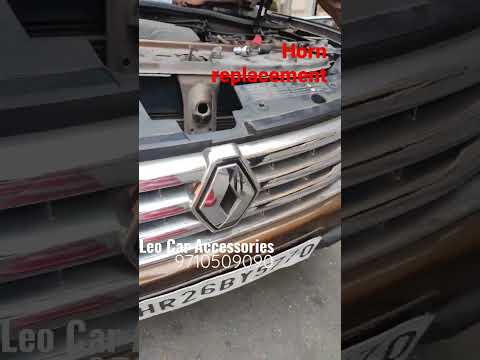
Today's main instructions will show you the procedure for removing and replacing the horn or sound signal on the Renault Duster, as well as the Dacia Duster. First, open the bonnet of the vehicle and start removing the front bumper by unscrewing all the fixing screws; you will find the horn right in front of the radiator, as shown in the video. At this point, disconnect the electrical connector and unscrew the bracket screw to remove and replace the horn with the new one; finally, reassemble the front bumper! by ScegliAuto More videos
|
|
For advertising on this site Write to info@scegliauto.com
ScegliAuto is not responsible for any inaccuracy of the data in the lists. To report any inaccuracy or your business (if you own the business in question), please write to info@scegliauto.com
Number of seconds to generate the page: 0.073
(c) ScegliAuto 2026 - info@scegliauto.com - Privacy policy VAT number: IT01247470535 |
