
|
Do it yourself
| |||
| ||||



Replacement and Repair of the Bonnet
Model: Honda CR-V
MK 3
- Years:
2007, 2008, 2009, 2010, 2011, 2012
Video tutorial
After lifting the bonnet, mark the height at which the bonnet supports are bolted. Now, proceed to unscrew the bolts that hold it to the car body, ensuring the bonnet does not fall onto the windscreen. With assistance, remove the last bolts you left to support the bonnet and take it off. After performing the necessary maintenance or replacing the bonnet, refit it by following the steps in reverse, always taking care to protect the windscreen from any impacts due to poor handling of the bonnet.
Updated on 23 February 2026 by ScegliAuto
Related tutorials
Honda CR-V
(2007-2012 /
MK 3)
After opening the bonnet, remove it for easier access; now remove the bolts that secure the wipers, this way, by making some movements to exploit the…
Honda CR-V
(2007-2012 /
MK 3)
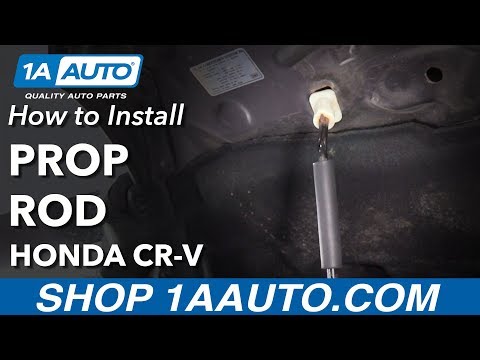
A seemingly trivial yet essential component for the proper operation of the bonnet opening and closing is the stay that acts as a damper for the stru…
Honda CR-V
(2012-2017 /
MK 4)
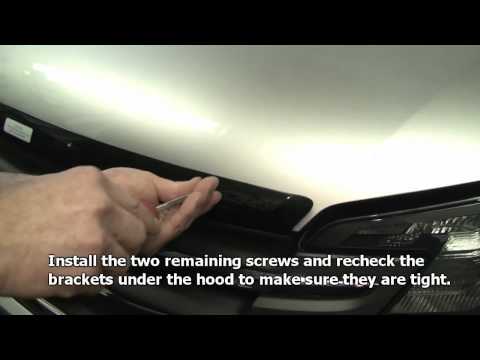
Open the front bonnet and ensure it is securely supported. Insert the rubber plugs into the square holes located along the edge of the bonnet and cle…
Other guides you may be interested in |
How to Reset the Tire Pressure Light on a MG ZS?
On the instrument cluster of the MG ZS, the tire pressure light that appears can be reset by inflating the tires to the correct pressure: this value will be indicated on the sticker attached to the driver's door pillar. Once the tires have been properly inflated, you can turn on the instrument cluster and navigate through the menu until you find the option that indicates tire pressure: if this screen shows the new values, the light will turn off; otherwise, you will need to drive for a few miles so that the sensors can read the new values and turn off the light afterward. by ScegliAuto More videos
|
|
For advertising on this site Write to info@scegliauto.com
ScegliAuto is not responsible for any inaccuracy of the data in the lists. To report any inaccuracy or your business (if you own the business in question), please write to info@scegliauto.com
Number of seconds to generate the page: 0.040
(c) ScegliAuto 2026 - info@scegliauto.com - Privacy policy VAT number: IT01247470535 |
