
|
Do it yourself
| |||
| ||||


How to reset the "Service" light on an Iveco Daily?
Model: IVECO Daily
MK 5
- Years 2014-2026
To reset the "Service" light on an Iveco Daily, start by pressing and holding the accelerator for 10 seconds. Continue holding the accelerator while turning on the instrument panel. Then, press the brake pedal 10 times. Once completed, release the accelerator, turn off the instrument panel, and continue holding the brake pedal. Turn on the instrument panel again and you will notice that the "Service" light is off. This procedure will restart the control system and reset the "Service" light on your Iveco Daily. This procedure should be done after completing the prescribed maintenance by the manufacturer.
Posted on 13 December 2024 by ScegliAuto
Video tutorial
Related tutorials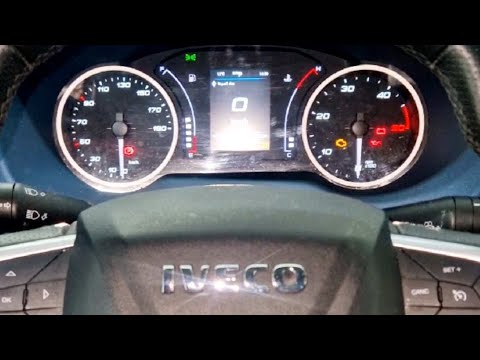
IVECO Daily
(2014-2026 /
MK 5)
To reset the service light on the Iveco Daily, follow these steps: Turn on the Iveco Daily and ensure the service light is displayed on the dashboard…

IVECO Daily
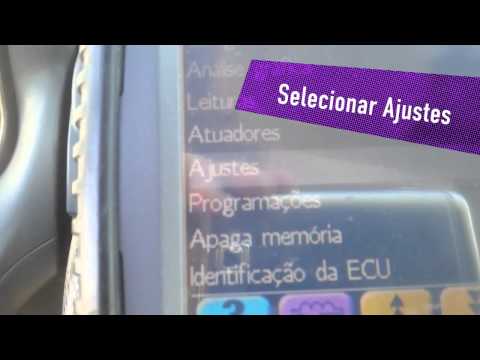
To reset the Service light on the Iveco Daily, turn the key to switch on the instrument panel and check that the light is illuminated. To reset it, p…
IVECO Daily
Today, let's learn how to reset the oil change service light on an Iveco Daily by following the instructions below. First, get inside the vehicle and…
Other guides you may be interested in
|
How to Open the Fuel Filler Cap of the 2020 Hyundai Tucson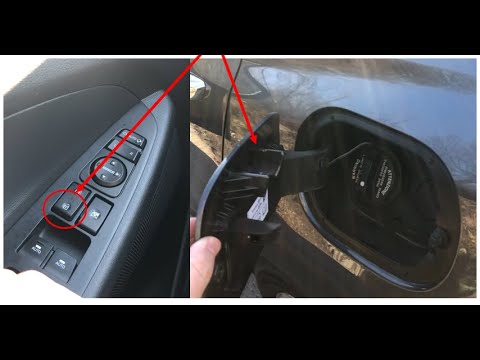
The 2020 Hyundai Tucson has two methods for opening the fuel filler flap. Both methods can only be used if the key has been removed from the ignition and the engine is off. The first method involves removing the key from the ignition and keeping all the car locks open, then go to the flap and press it. This will open the flap. The second method is to stay in the car, remove the key from the ignition, and then press the fuel filler release button located on the left door. by ScegliAuto More videos
|

|
For advertising on this site Write to info@scegliauto.com
ScegliAuto is not responsible for any inaccuracy of the data in the lists. To report any inaccuracy or your business (if you own the business in question), please write to info@scegliauto.com
Number of seconds to generate the page: 0.227
(c) ScegliAuto 2026 - info@scegliauto.com - Privacy policy VAT number: IT01247470535 |
