
|
Do it yourself
| |||
| ||||


In the Iveco Daily, how do you reset the service light in German language?
Model: IVECO Daily
MK 5
- Years 2014-2026
The easily recognizable and famous service light, in all vehicles and not just the Iveco Daily, is represented by a bright wrench, located on the instrument panel. It goes without saying that the vehicle needs to be serviced, as the expiration date, whether it be based on time or mileage, is near. But after replacing the engine oil and oil filter, how do we turn off the aforementioned light? Turn on the instrument panel, press the accelerator pedal and at the same time press the brake pedal ten times, release both pedals and turn off the aforementioned panel. Upon the next ignition, we will notice that the light is no longer there.
Posted on 30 September 2025 by ScegliAuto
Video tutorial
Related tutorials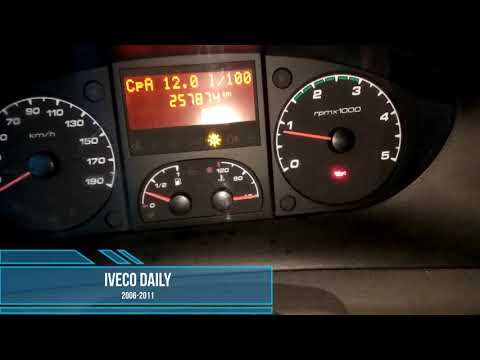
IVECO Daily
To reset the Service light on the Iveco Daily, turn the key to switch on the instrument panel, confirming that the light is on. To reset it, press an…

IVECO Daily
(2014-2026 /
MK 5)
To reset the "Service" light on an Iveco Daily, start by pressing and holding the accelerator for 10 seconds. Continue holding the accelerator while …
IVECO Daily
(2006-2020 /
MK 4)
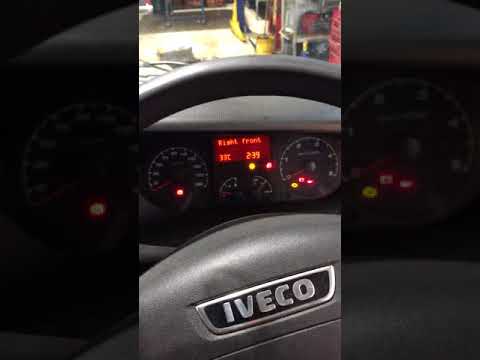
In this tutorial, you will learn how to reset the service light for the oil change on a second series Iveco Daily in a few simple steps. First, get i…
Other guides you may be interested in
|
How to Adjust the Headlights on a Dacia Sandero
To adjust the headlights on a Dacia Sandero, turn on the instrument panel by rotating the appropriate key in the ignition switch. Once the panel is on, use the knob located to the left of the steering column, at the bottom of the dashboard. Turning this knob counterclockwise will lower the beam of the headlights; conversely, turning it clockwise will raise the beam. Once the correct angle is found, you can turn off the instrument panel. by ScegliAuto More videos
|

|
For advertising on this site Write to info@scegliauto.com
ScegliAuto is not responsible for any inaccuracy of the data in the lists. To report any inaccuracy or your business (if you own the business in question), please write to info@scegliauto.com
Number of seconds to generate the page: 0.109
(c) ScegliAuto 2026 - info@scegliauto.com - Privacy policy VAT number: IT01247470535 |
