
|
Do it yourself
| |||
| ||||


How to reset the Iveco Daily service light
Model: IVECO Daily
MK 5
- Years 2014-2024
If you notice the service warning light on the on-board computer display of your Iveco Daily, do not worry because the solution exists and it is also quite simple to implement. First make sure you have switched off the engine, then turn on only the ignition and hold down the accelerator pedal for about fifteen seconds. Immediately after that, release it and hold it down again for several seconds. Simultaneously press the brake pedal ten times in succession. At this point, release both pedals and turn off the ignition. The reset is complete and the service indicator will no longer appear.
Posted on 13 August 2022 by ScegliAuto
Video tutorial
Related tutorials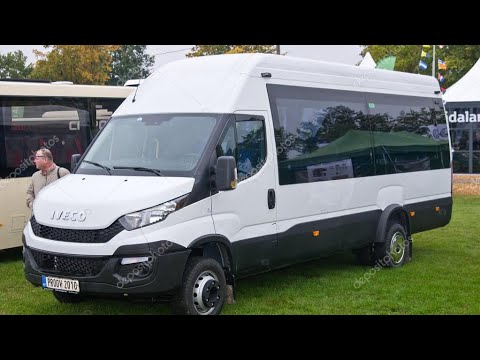
IVECO Daily
To reset the Service light on the Iveco Daily, you need to hold down the accelerator and brake pedals while the instrument panel is turned off. Then,…
IVECO Daily
(2014-2024 /
MK 5)
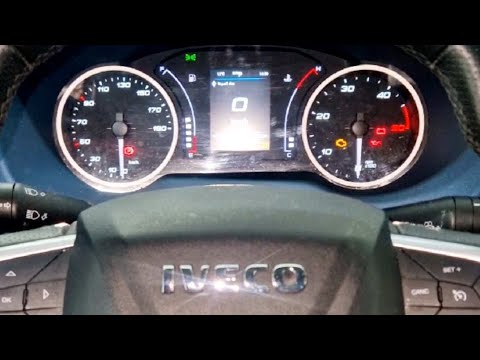
To reset the service light on the Iveco Daily, you can follow these steps: Turn on the Iveco Daily and make sure the service light is displayed on th…
IVECO Daily
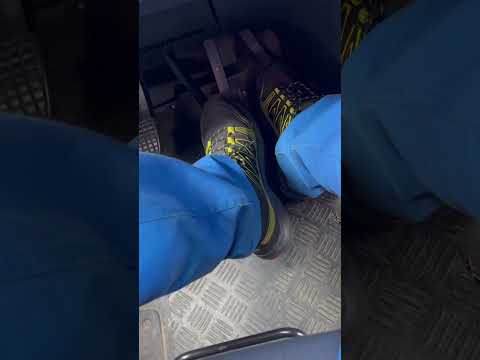
In order to reset the Iveco Daily Service warning light, you have to turn the key to turn on the instrument panel, without however starting the engin…
Other guides you may be interested in
|
How to Remove the Oil Filter on a Toyota Yaris
How to remove the oil filter on a Toyota Yaris? This is a simple operation if you follow the correct steps. Lift the car using a column lift or jack. After removing the cover panel (if present), use a socket spanner to unscrew the oil filter holder. Allow the oil to drain into a container for disposal. Remove the dirty and worn filter from the metal container; clean the container and insert a new filter. Screw the filter holder back into its designated housing using the appropriate spanner and lower the car once the job is complete. by ScegliAuto More videos
|

For advertising on this site Write to info@scegliauto.com
ScegliAuto is not responsible for any inaccuracy of the data in the lists. To report any inaccuracy or your business (if you own the business in question), please write to info@scegliauto.com
Number of seconds to generate the page: 0.157
(c) ScegliAuto 2026 - info@scegliauto.com - Privacy policy VAT number: IT01247470535 |
