
|
Do it yourself
| |||
| ||||


How to Activate Cruise Control on the Jeep Renegade
Model: Jeep Renegade
520, MK 1, BU
- Years 2014-2026
The cruise control or electronic speed control can be activated as follows, and remember it is not active for speeds below 25 mph: locate the control on the right side of the steering wheel, press the central button, and the display in the centre of the instrument panel will show "cruise control ready". Pressing the button again activates the control, and the set speed will be maintained until the brake pedal is pressed. Using the controls on the right side of the steering wheel, "set+" and "set-" will allow you to increase or decrease the speed without touching the accelerator.
Updated on 15 May 2026 by ScegliAuto
Video tutorial
Related tutorials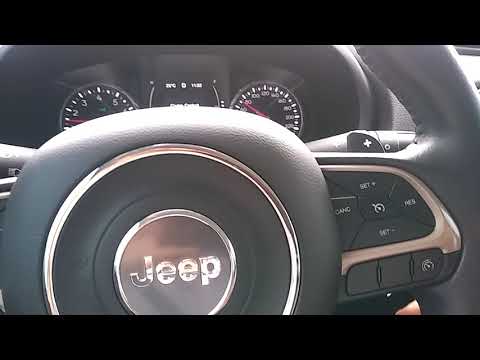
Jeep Renegade
(2014-2026 /
520, MK 1, BU)
To activate the adaptive cruise control on the Jeep Renegade, reach the speed you want to set. Once this speed is reached, press the button with the …
Jeep Renegade
(2014-2026 /
520, MK 1, BU)
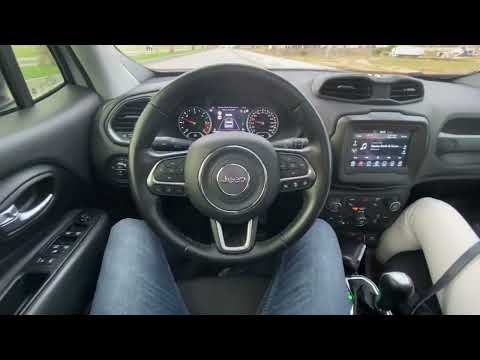
The term cruise control refers to an electronic device that allows you to set a predefined driving speed. Adaptive cruise control, however, not only …

Jeep Renegade
(2014-2026 /
520, MK 1, BU)
Let's see in this video how adaptive cruise control works on the Jeep Renegade: we will use the buttons located on the right side of the vehicle's st…
Other guides you may be interested in
|
How to Bleed the Clutch on a Renault Clio?
To bleed the clutch on a Renault Clio, open the bonnet to access the components located in the engine bay: here, you will need to undo the screws that secure the battery in its housing, the intake manifold, and the coolant reservoir. This will allow you to locate the pipe through which the brake fluid flows: by inserting the other end of the pipe into a container, you can press the clutch pedal to expel all the fluid until it fills the container. by ScegliAuto More videos
|
|
For advertising on this site Write to info@scegliauto.com
ScegliAuto is not responsible for any inaccuracy of the data in the lists. To report any inaccuracy or your business (if you own the business in question), please write to info@scegliauto.com
Number of seconds to generate the page: 0.064
(c) ScegliAuto 2026 - info@scegliauto.com - Privacy policy VAT number: IT01247470535 |
