
|
Do it yourself
| |||
| ||||


|
Model: Kawasaki Vulcan 1500
To replace the clutch on the Kawasaki Vulcan 1500, loosen the bolts securing the clutch cover located on the right side of the bike, near the footpegs. Once the bolts are loosened, you can detach the cover and access the clutch underneath: it can be removed from its housing by unscrewing all the specific fastening bolts. Once all the bolts are loosened, remove all the clutch plates, insert the new one, and reassemble all the removed parts.
Updated on 16 June 2026 by ScegliAuto
Video tutorial
Related tutorials
Vulcan 1500
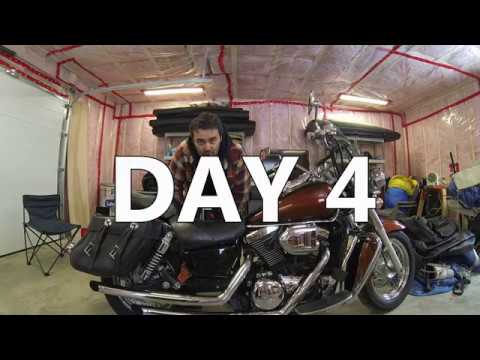
This guide provides the main instructions for removing and replacing the clutch discs on a Kawasaki Vulcan 1500 motorcycle. First, drain the engine o…
Vulcan 1500
Before starting, position your Kawasaki Vulcan 1500 on its side stand. Begin by unscrewing and removing the bolts that secure the bike's seats, then …

Vulcan 1500
In this tutorial we can see how to replace the motor oil in the Kawasaki Vulcan 1500, an extremely simple and quick operation. First of all, we wait …
|
How to Remove the Rear Wheel of the Kymco Grand Dink 125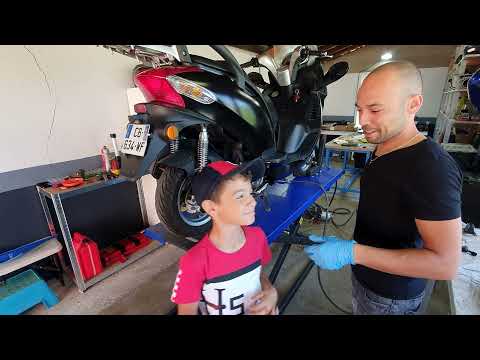
To remove the rear wheel of the Kymco Grand Dink 125, you need to unscrew the nut that secures the corresponding axle, located on the right rear side of the swingarm. Once this nut is loosened, you can unscrew the additional screws securing the disc, allowing you to detach the brake caliper and completely remove the wheel. After the wheel is removed, you can fit the new one by securing the disc screws and tightening the nut on the wheel. This way, you can ensure everything functions correctly. by ScegliAuto More videos
|
|
For advertising on this site Write to info@scegliauto.com
ScegliAuto is not responsible for any inaccuracy of the data in the lists. To report any inaccuracy or your business (if you own the business in question), please write to info@scegliauto.com
Number of seconds to generate the page: 0.006
(c) ScegliAuto 2026 - info@scegliauto.com - Privacy policy VAT number: IT01247470535 |
