
|
Do it yourself
| |||
| ||||


Instructions for Changing the Screen Image
Model: Lexus IS
MK 2
- Years 2005-2013
To replace the background image of the onboard display, first select the desired image and upload it to a USB drive, ensuring that the storage folders are correctly created. Once the image is uploaded to the drive, connect it to the corresponding port on the vehicle's dashboard and start the selection process through the onboard computer. Select the setup button, then enter the menu to upload the image, select it, and copy it to the directory so that it can be displayed as the background image when starting the vehicle. This is a nice feature to personalise your car.
Updated on 17 February 2026 by ScegliAuto
This video is currently unavailable
Related tutorials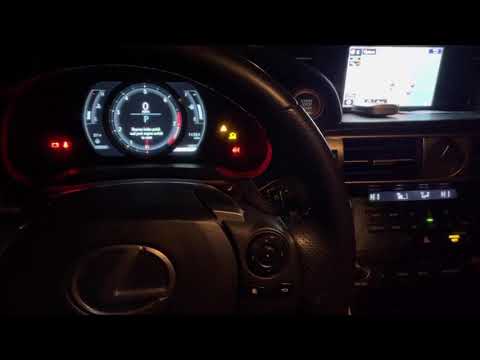
Lexus IS
(2013-2024 /
MK 3)
Turn on the instrument panel without starting the engine (not necessary). Press the small button on the right side of your steering wheel to change t…

Lexus IS
(2005-2013 /
MK 2)
To carry out this maintenance, operate with the engine cold; remove the plastic cover on the engine, detach the intake duct, unscrew the fixing screw…
Lexus IS
(2013-2024 /
MK 3)
Washing your car is one of the most enjoyable moments for those who love to take care of their vehicle: doing it yourself, perhaps on a Saturday afte…
Other guides you may be interested in
|
Changing the Key Remote Battery on a Ford Focus C-Max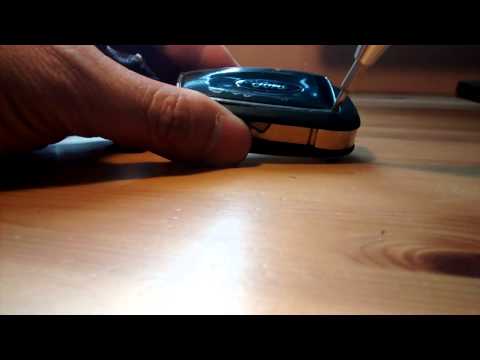
How do you change the battery of the key remote for a Ford Focus C-Max? Watch this detailed video to find out. Take your remote and use a screwdriver to pry between the key cover and the plastic cap. Pry until the two pieces separate from the cover, then use a screwdriver to extract the battery and replace it with a new one of the same size and voltage. Reassemble the cover by pressing on the key remote until you hear it click into place. Finally, insert the metal key into the remote. Check the correct operation of the remote. by ScegliAuto More videos
|

|
For advertising on this site Write to info@scegliauto.com
ScegliAuto is not responsible for any inaccuracy of the data in the lists. To report any inaccuracy or your business (if you own the business in question), please write to info@scegliauto.com
Number of seconds to generate the page: 0.068
(c) ScegliAuto 2026 - info@scegliauto.com - Privacy policy VAT number: IT01247470535 |
