
|
Do it yourself
| |||
| ||||


How to reset the service on the Lexus GS?
Model: Lexus GS
L10
- Years 2011-2020
In this tutorial we can see how to reset the service in the Lexus GS, an extremely simple and fast operation, to be carried out only once all scheduled maintenance work has been completed. We start by going inside the cabin, then insert the key and turn on the instrument panel. We then reach the "Trip A" partial odometer using the "ODO" button, located on the left side of the dashboard, turn off the instrument panel and turn it back on while holding down the same button, releasing it only once the interval has been correctly reset.
Posted on 13 March 2024 by ScegliAuto
Video tutorial
Related tutorials
Lexus GS
(2011-2020 /
L10)
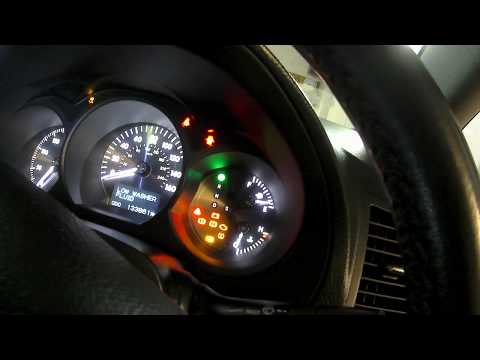
In this tutorial we can see how to reset the service in the Lexus GS 350, an extremely simple and fast operation, to be carried out only once all sch…
Lexus GS
(2005-2011 /
S190)
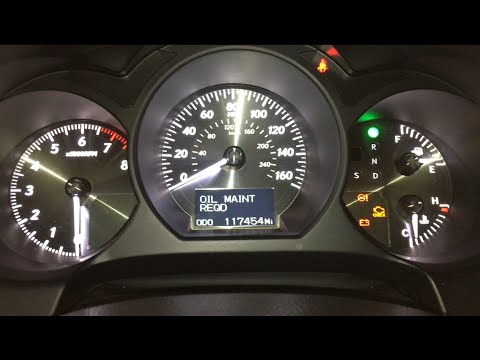
In this tutorial, we can see how to reset the tire pressure light in the Lexus GS 450h, an extremely simple and quick operation, to be carried out on…
Lexus GS
(2005-2011 /
S190)
In this tutorial we can see how to reset the service in the Lexus GS 350, an extremely simple and quick operation, to be carried out only after compl…
Other guides you may be interested in
|
How to Reset the Maintenance Reminder on a Peugeot 207
To reset the maintenance reminder indicator, you will need to start your vehicle's ignition to use the buttons located next to the central display of the onboard computer. By holding both buttons for a few seconds, you will notice that all the warning lights on the dashboard will illuminate. Continue holding the buttons, and you will see a countdown start. When it reaches zero, you can turn off the ignition and restart the car to completely resolve the issue, and that's it! by ScegliAuto More videos
|
|
For advertising on this site Write to info@scegliauto.com
ScegliAuto is not responsible for any inaccuracy of the data in the lists. To report any inaccuracy or your business (if you own the business in question), please write to info@scegliauto.com
Number of seconds to generate the page: 0.102
(c) ScegliAuto 2026 - info@scegliauto.com - Privacy policy VAT number: IT01247470535 |
